

USASTARFASHION Printlab
Create artwork, embroidery and gang sheets.
Enter Printlab ↗Log in or create your Shopify account. You will return here to accept the lab terms.
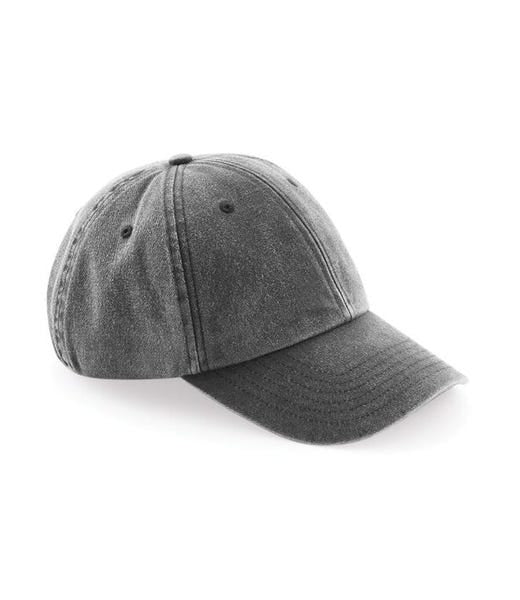
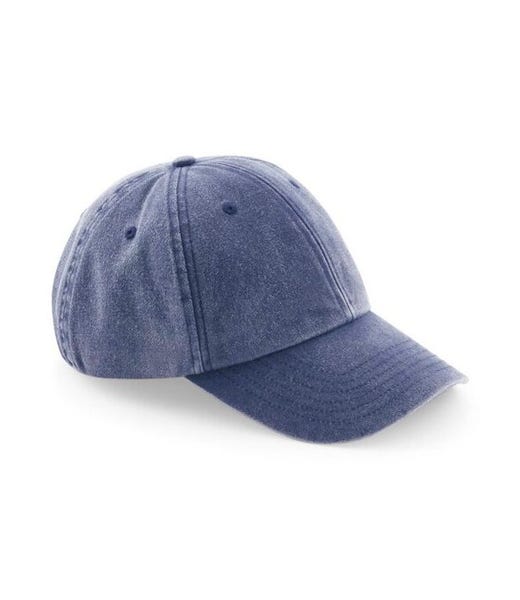
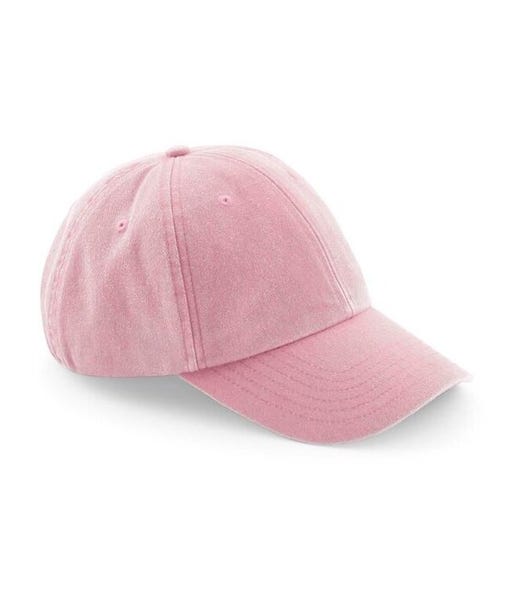
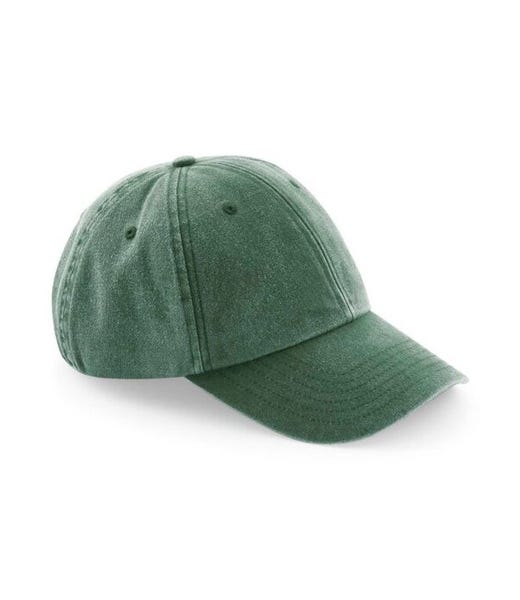
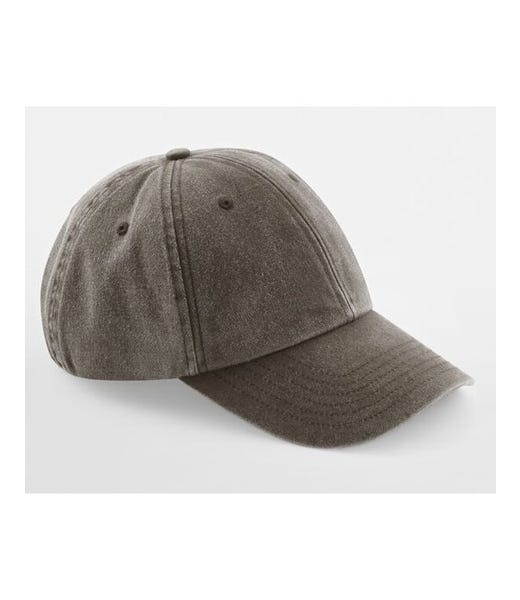
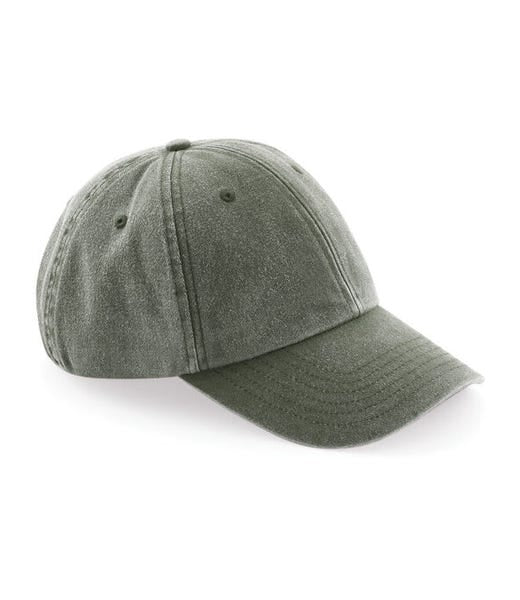
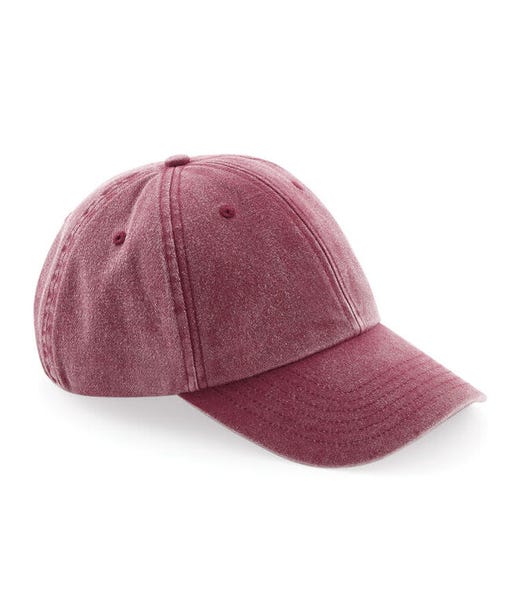
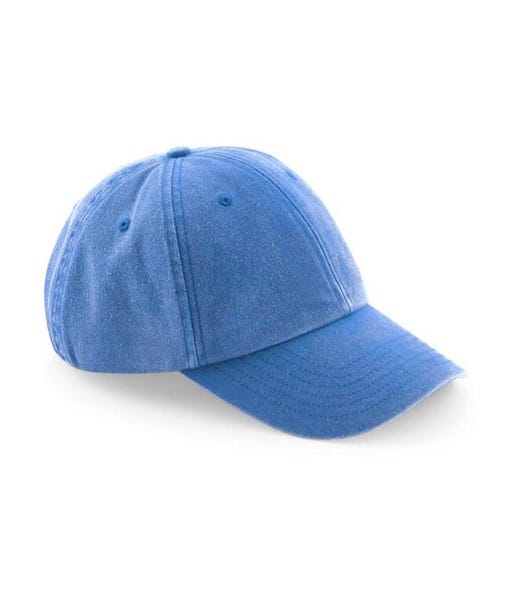
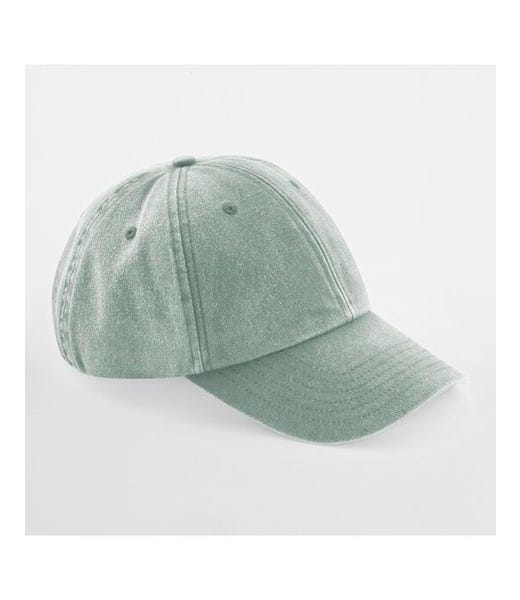
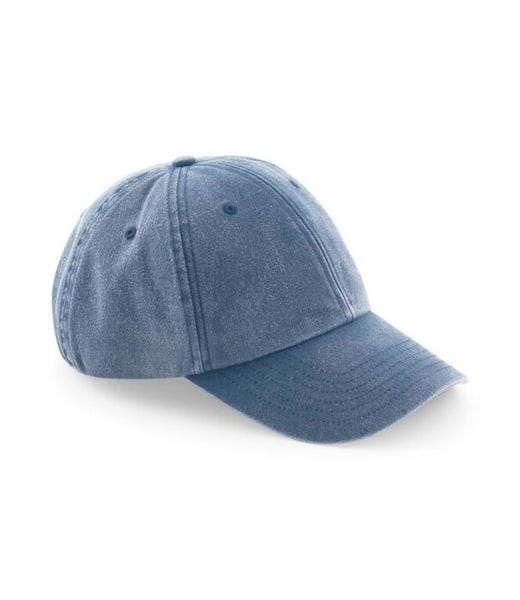
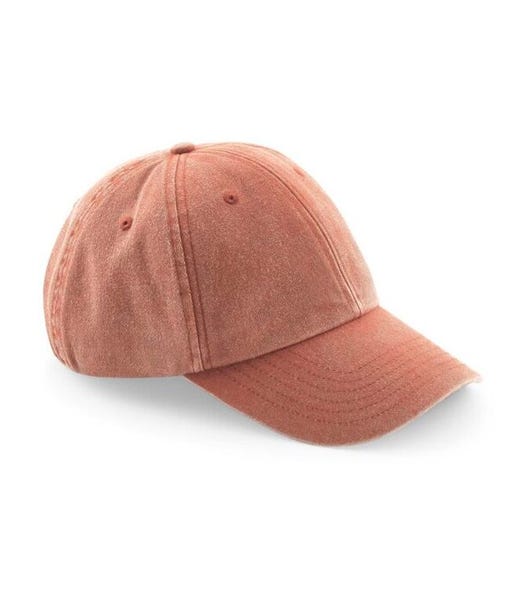
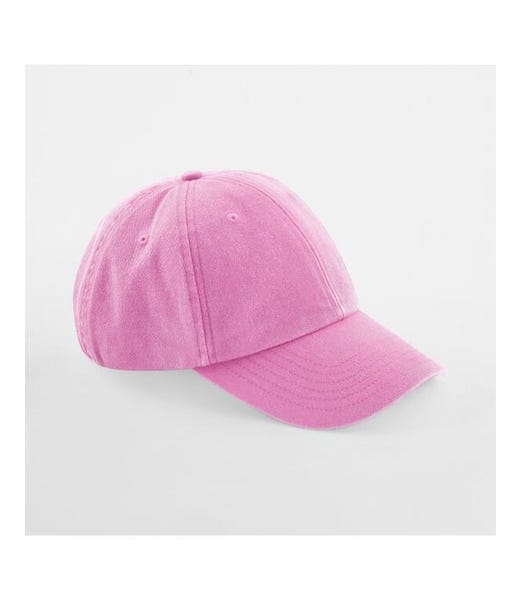
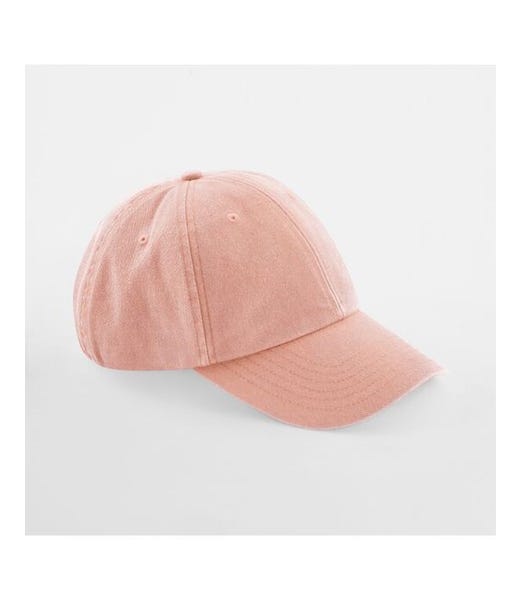
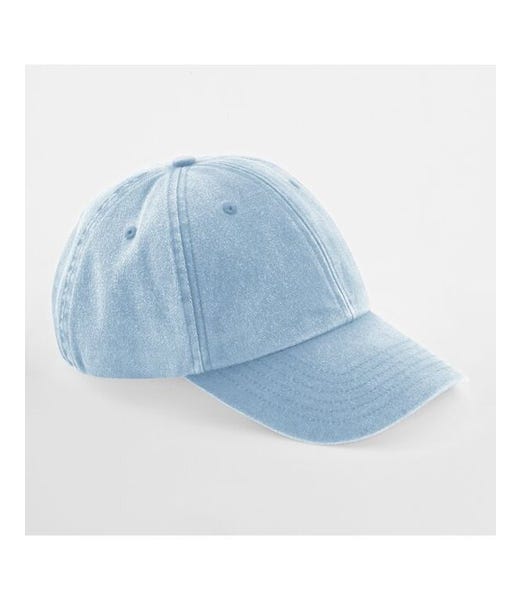
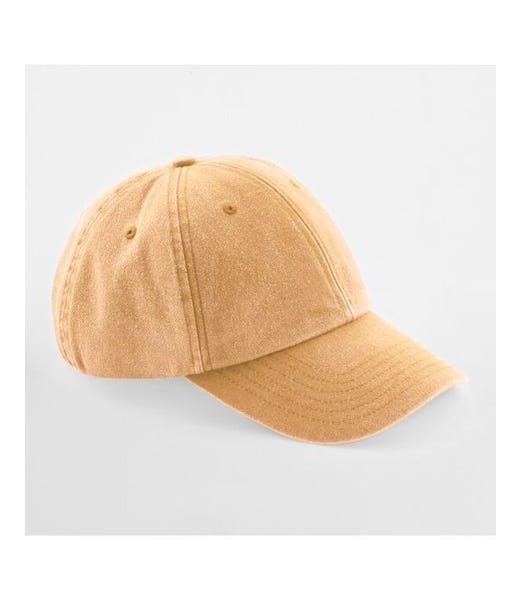
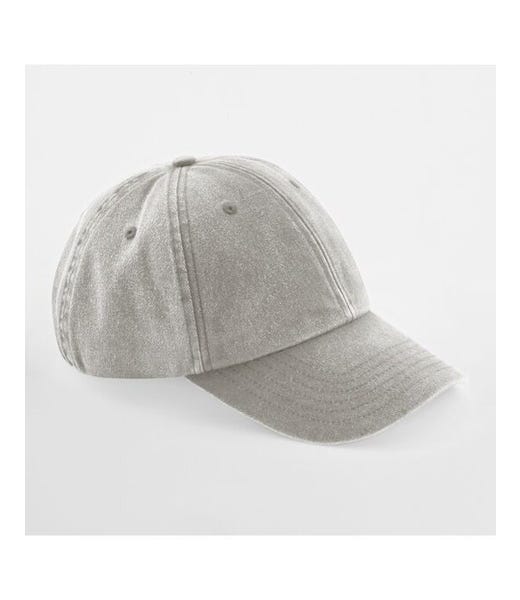
Beechfield Low Profile Vintage Cap – Blank or Personalised
A relaxed vintage cap in washed cotton, with a soft six-panel crown, curved peak and adjustable brass-effect buckle.
Choose Blank for an undecorated item, DTF Print for printed artwork, or Embroidery for a stitched design. For personalisation, open Printlab, create your design and review it before adding to your cart.
Supplier-sourced to order. Availability is checked when your order is processed.
Pairs well with
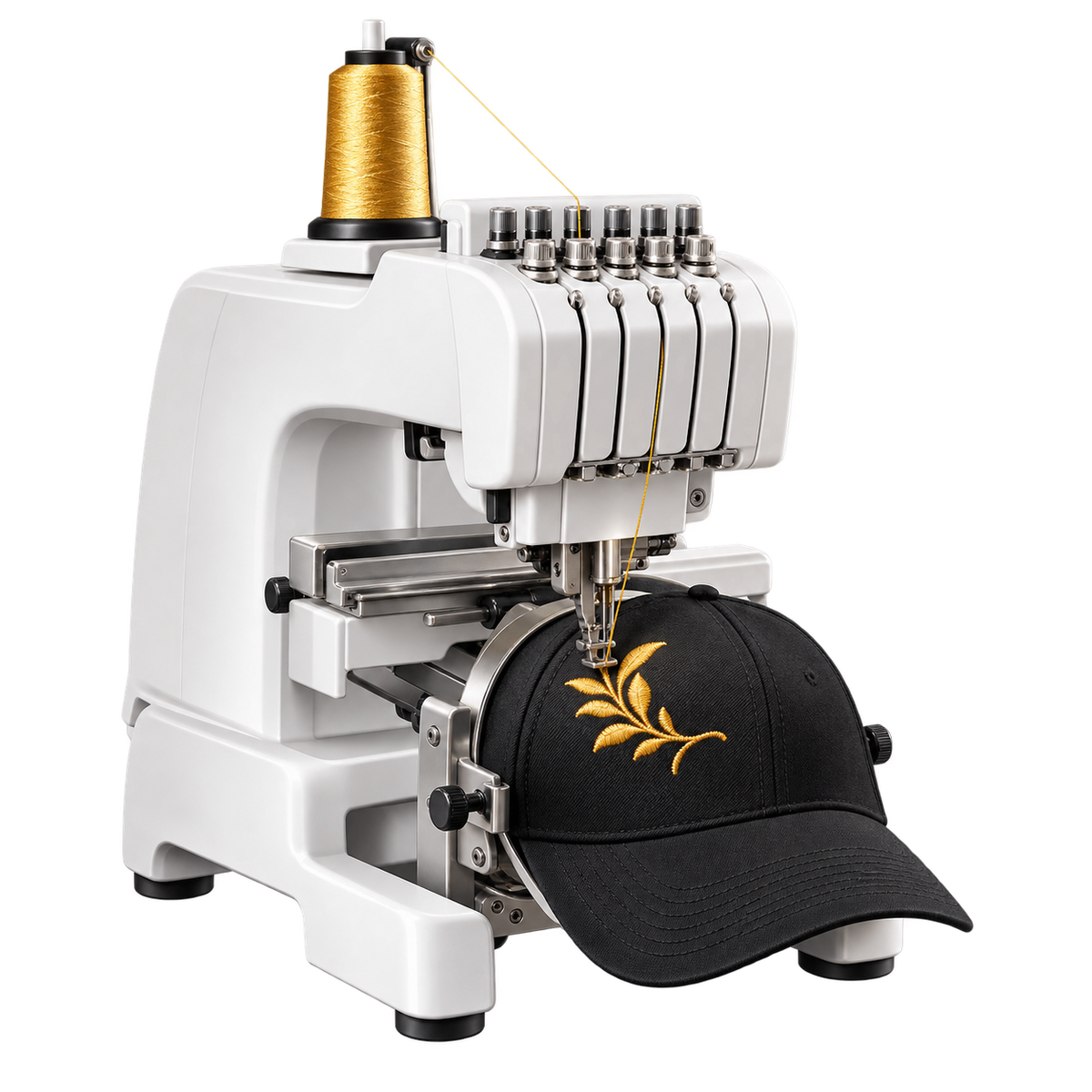
Made to order, just for you
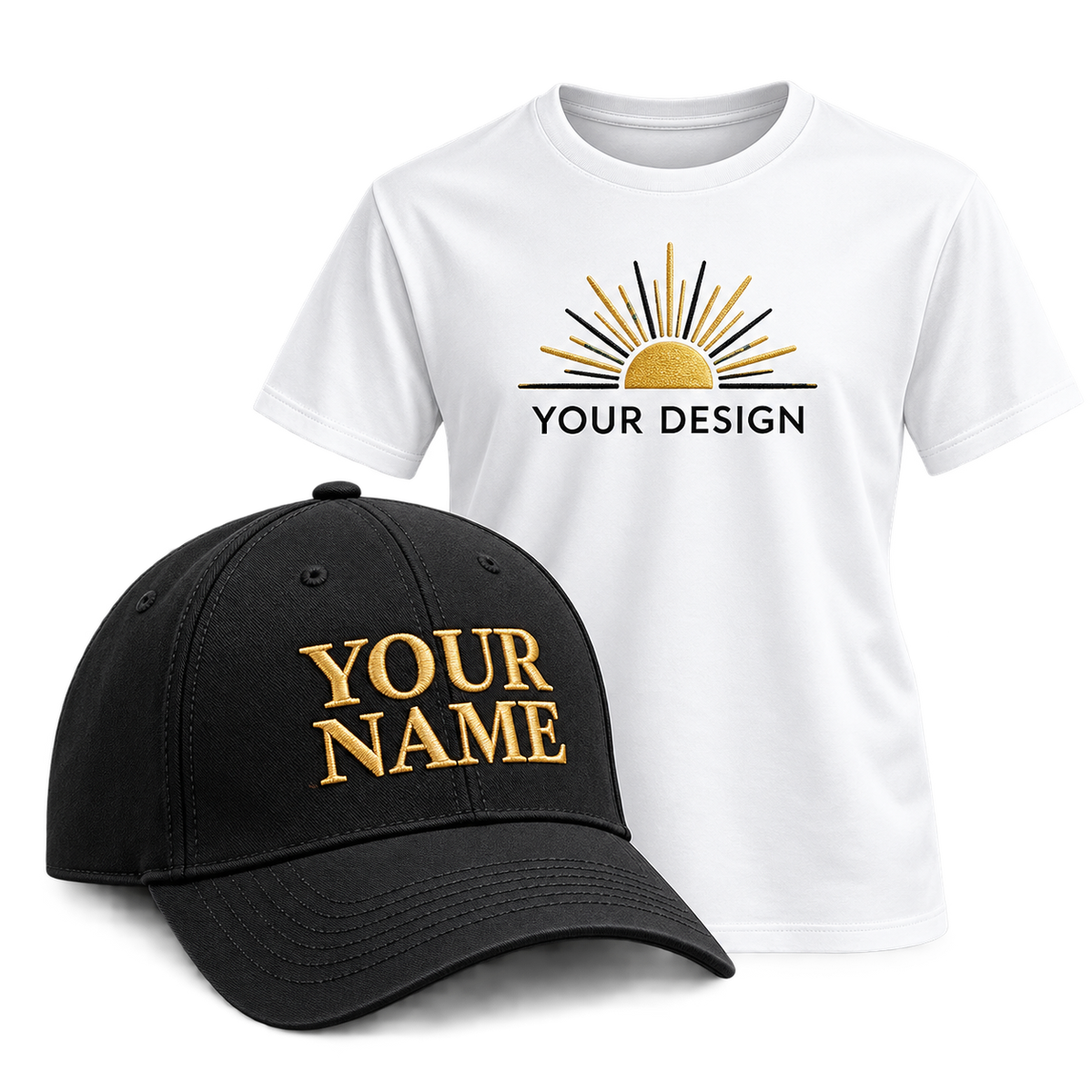
For Personalise with your name, text or design
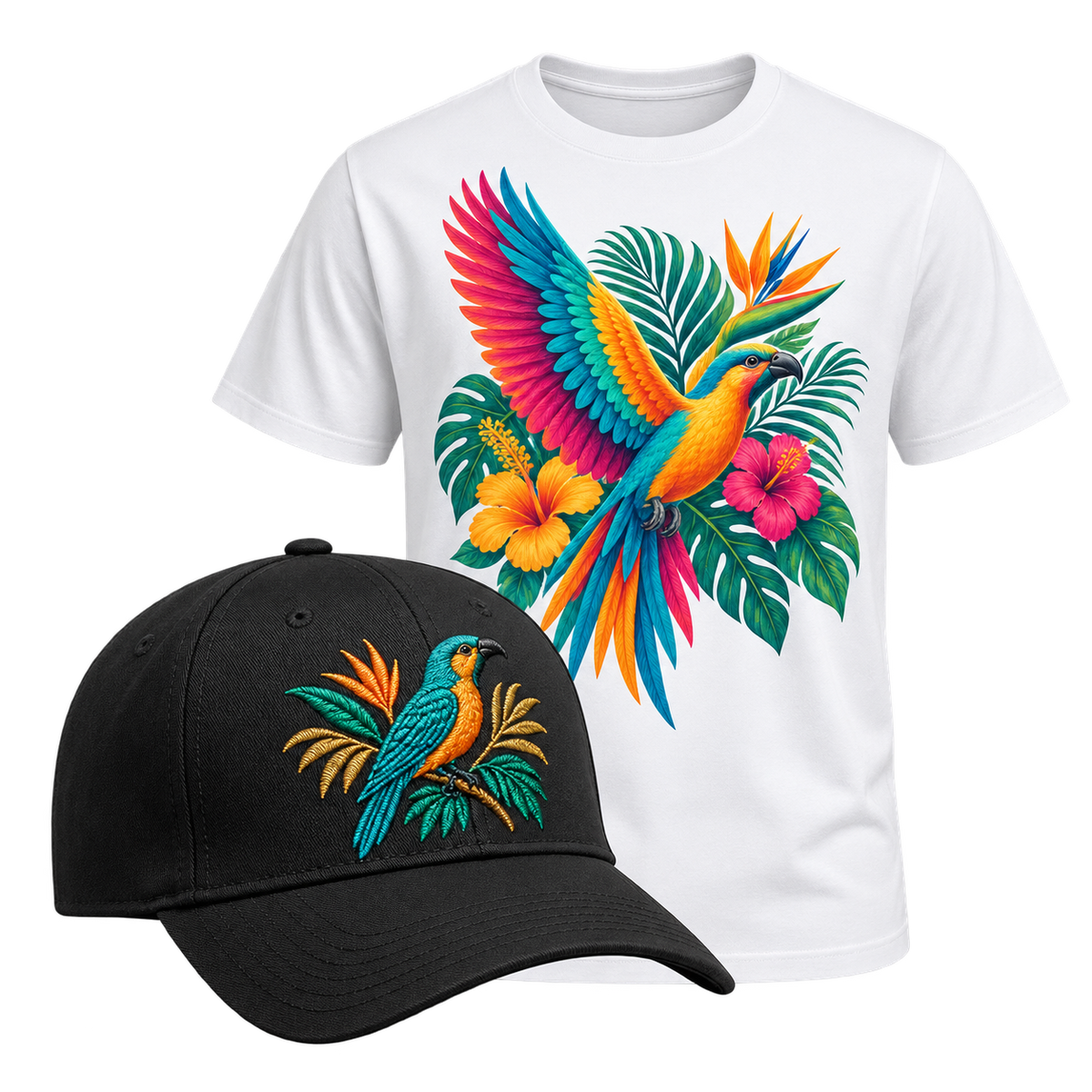
Vibrant DTF printing or detailed embroidery
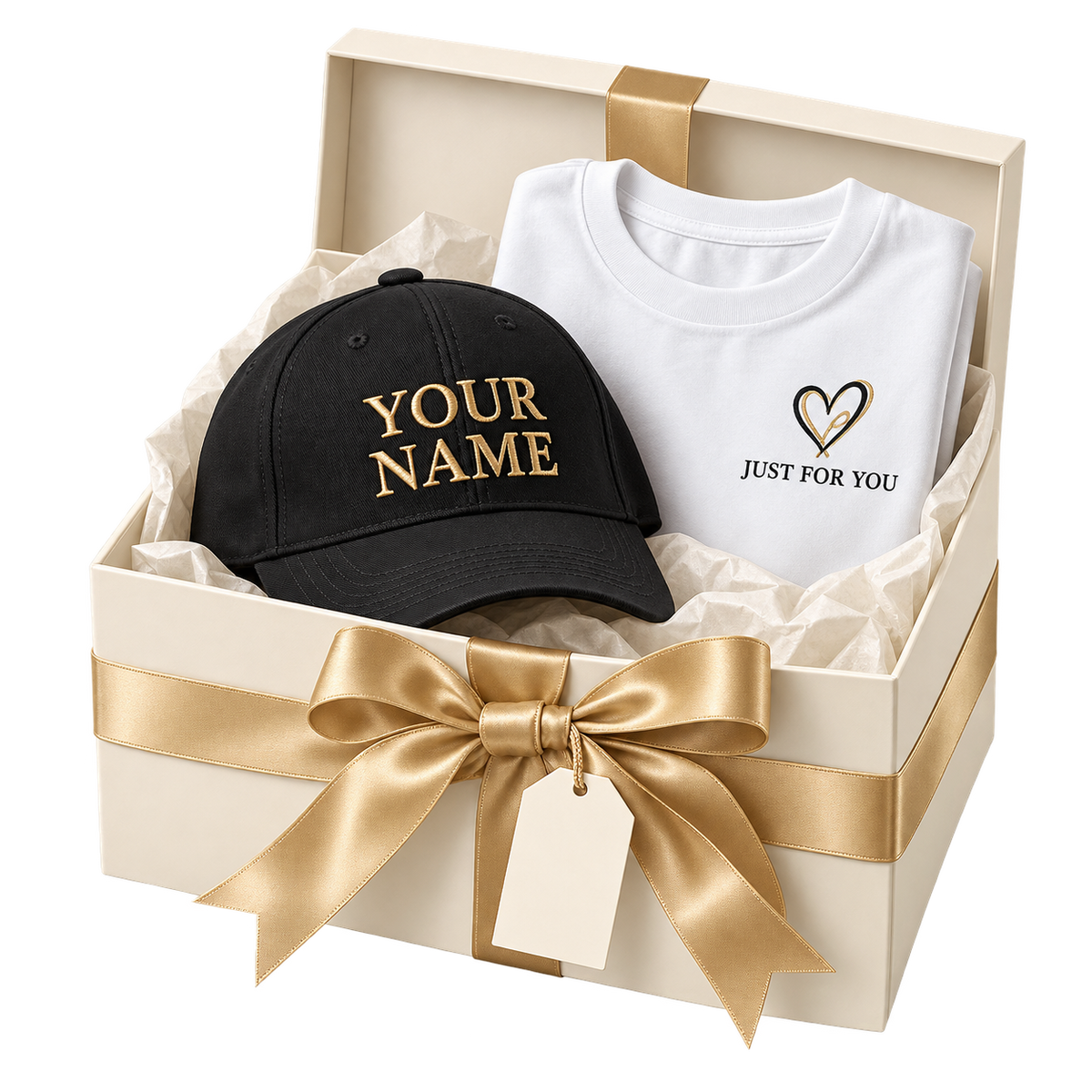
A thoughtful gift for any occasion
Beechfield Low Profile Vintage Cap – Blank or Personalised
If you have any questions, you are always welcome to contact us. We'll get back to you as soon as possible, within 24 hours on weekdays.
-
Shipping ino
We offer flat-rate shipping on all orders within the US. Standard delivery typically arrives within 5-7 business days. Express shipping options are available at checkout for faster delivery.
All vintage items are carefully inspected and securely packaged to ensure they arrive in excellent condition. We stand behind every piece—if there's any damage during transit, we'll make it right.
Orders ship Monday through Friday. Weekend and holiday orders will process the following business day. You'll receive a tracking number via email as soon as your order ships, so you can follow your package every step of the way.
Have questions about shipping to your area? Contact us and we'll get back to you within 24 hours. -
Customer Support
Got questions about your order, sizing, or our vintage pieces? We're here to help. Reach out via email at support@usastarfashion.com or message us on Instagram and Facebook — we typically respond within 24 hours. If you need faster assistance, check our FAQ section below or browse our shipping and returns policy. We're passionate about vintage sports gear and want you to feel confident with every purchase.
-
FAQ’s
Frequently Asked Questions
1. What am I purchasing?
You may be purchasing a digital design pack, a personalised printed product, or a personalised embroidered product. Please check the product title and description carefully before ordering.2. When will I receive my digital files?
Digital download access is provided after successful payment and is sent to the email address used at checkout.3. Are the digital designs ready to print?
Yes. Our digital design packs are prepared for printing, and selected packs are supplied at 300 DPI for high-quality results.4. What sizes are included with digital design packs?
This depends on the product. Some packs may include A2, A3 and A4 versions. Please check the individual product description before purchasing.5. Do you offer custom DTF printing?
Yes. We offer personalised DTF printing on selected products. You can provide suitable names, text, artwork or designs depending on the product selected.6. Do you offer embroidery?
Yes. We offer personalised embroidery on selected products such as caps and clothing. Depending on the item, you may be able to add names, initials, dates, numbers, short wording or suitable artwork.7. Can I upload my own design for printing or embroidery?
Yes, where the product allows personalisation. Please provide the highest-quality artwork available. For DTF printing, high-resolution artwork is recommended. Embroidery artwork may need to be adapted or digitised before stitching.8. Can every image or logo be embroidered?
Not always. Very detailed photographs, extremely small text or complicated artwork may need to be simplified for embroidery. We may contact you if changes are required to achieve a better result.9. Can I choose embroidery thread colours?
Yes, where available. Selected embroidery products allow you to choose your main thread colour and, where applicable, an outline or border thread colour.10. How long do personalised products take?
Production time depends on the product, design and order quantity. Personalised items need to be prepared before dispatch, so please check the individual product page for the current processing information.11. Can I return a personalised product or digital download?
Personalised, made-to-order and digital products may have different return conditions from standard products. Digital products may have limited refund eligibility once accessed or downloaded. Personalised goods made specifically to your instructions may also have limited cancellation or return rights. If an item is faulty, damaged, incorrect, or we have made an error, please contact us so we can help.12. What if I need help with my order, artwork or download?
Please contact support@usastarfashion.com and include your order number and details of the issue. For custom printing or embroidery enquiries, please also include your design requirements so we can assist you. -
Contact Us
Have questions about sizing, shipping, or your order? We're here to help. Reach out via email at support@usastarfashion.com or message us on Instagram and Facebook—we typically respond within 24 hours. For urgent concerns, check our FAQ section or contact us during UK business hours. We love hearing from our customers and are committed to making your vintage sports shopping experience seamless.
Free shipping and returns
FAQs
Please read our FAQs page to find out more.
What am I purchasing?
You may be purchasing a digital design pack, a personalised printed product, or a personalised embroidered product. Please check the product title and description carefully before ordering.
When will I receive my digital files?
Your digital download access is provided after successful payment and is sent to the email address used at checkout.
Do you offer custom DTF printing?
Yes. We offer personalised DTF printing on selected products. You can provide suitable names, text, artwork or designs depending on the product selected.
Do you offer personalised embroidery?
Yes. We offer personalised embroidery on selected products, including caps and clothing. Depending on the item, you can add names, initials, dates, numbers, short wording or suitable artwork.
Can I upload my own logo or design for embroidery?
Yes, where the product allows custom artwork. Your design may need to be digitised or simplified before embroidery to achieve the best stitching result.