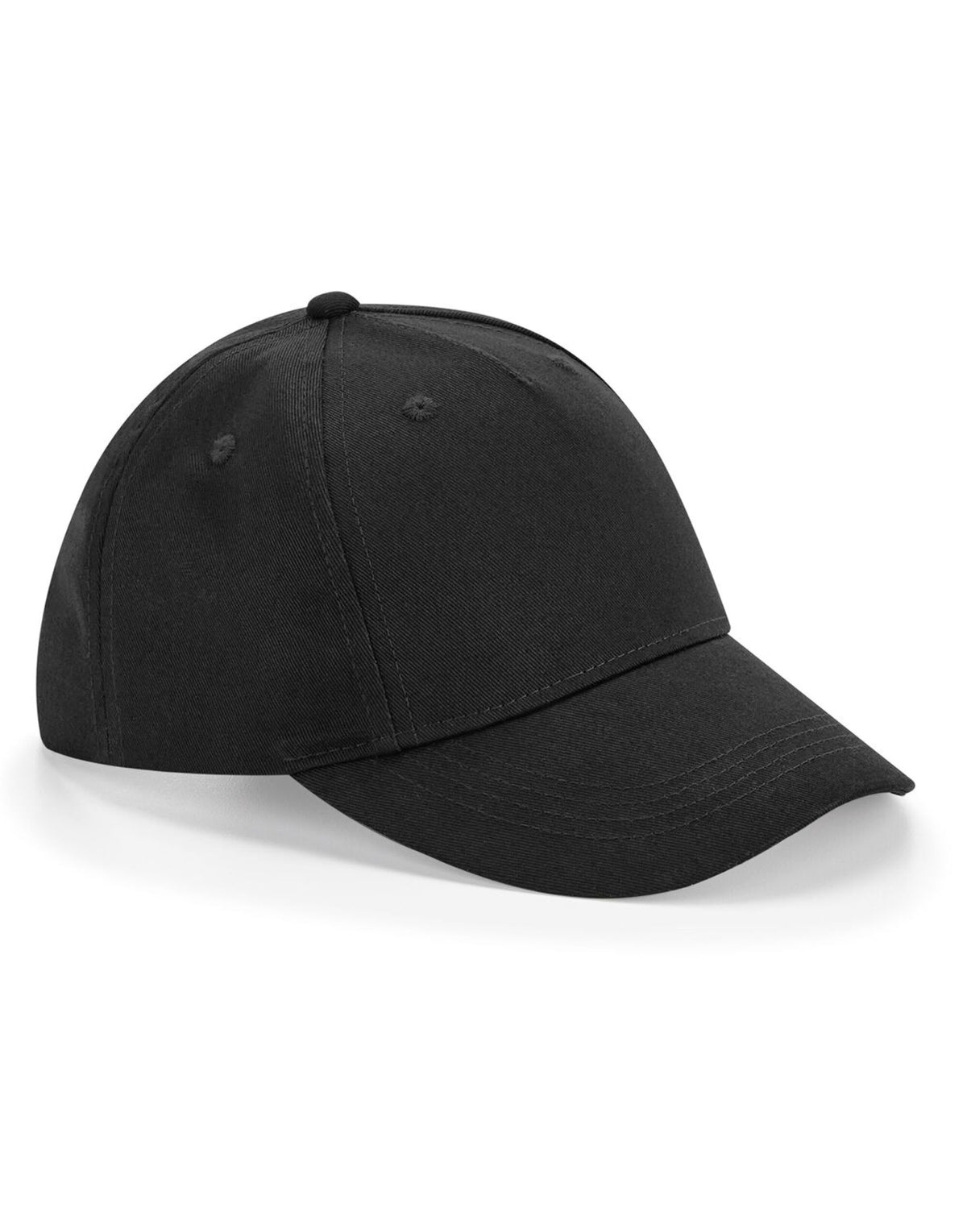


Cutter & Buck CB356410 C&B New Salish Hose
- Hergestellt aus strapazierfähigem, elastischem Material mit schnelltrocknender Funktion und zahlreichen technischen Eigenschaften.
- Für uneingeschränkte Bewegungsfreiheit und einen aktiven Lebensstil entwickelt.
- Silikon-Grip am Bund.
- Das DryTecTM-Material reduziert die Wasseraufnahme und verkürzt die Trocknungszeit, damit Sie sich jederzeit wohlfühlen.
- Perfekt geeignet als strapazierfähige Arbeitshose oder für den Golfplatz.
Produktspezifikationen
- Marke: Cutter & Buck
- Produktcode: CB356410
Entdecken Sie mehr Hosen & Shorts.
USASTARFASHION · LABSTUDIO
Your artwork.
Ready to print.
Find a design. Make it yours. Prepare your halftone and arrange your print sheet — all in LabStudio.
Free practice demo · No login · No credits usedSign in to the full Studio for your saved projects and available AI credits.


Choose your artwork. Create your own finish.
Fine-tune your artwork for DTF.
Arrange. Rotate. Make room for more.
 Your selected product
PRINTLAB · YOUR CREATIVE STUDIO
Wear your idea.
A name. A logo. A design that is yours. Choose your product and make it personal in LabStudio.
Add lettering or upload your own artwork. Position it on your chosen product.
Create colourful printed artwork for eligible clothing and accessories.
Choose a stitched finish and suitable embroidery artwork for eligible products.
Cutter & Buck CB356410 C&B New Salish Hose
Try On is a visual preview, not a fit guarantee.
Free tools & optional AI membership
Use free text, artwork, halftone and gang-sheet tools. Sign in to personalise. Products, printing and embroidery are charged separately.
Optional AI membership is £29/month for 600 AI images, covering AI text, artwork and LabStudio clothing previews and the Virtual changing room. Cancel through Manage / cancel subscription to stop future renewals. Explore the AI plan
Eligible new accounts get a one-time free trial of 103 credits (about 51 AI images) for 7 days from first credit-account use, or until they run out. No paid subscription starts automatically.
1 AI image = 2 credits. Monthly credits expire one calendar month after payment and don’t roll over. Extra credits cost £5 for 300 extra images and last 60 days. Failed images are free.
Passt gut zu
Cutter & Buck CB356410 C&B New Salish Hose
Everything you can do in LabStudio
See all tools: Design
- Upload – add your own logo, photo or artwork.
- Designs – pick from our ready-made artwork library.
- Text – add names, slogans or any wording.
- Add – place more text or artwork on the garment.
- Layers – select and reorder every part of your design.
- Properties – fine-tune the item you have selected.
- Undo, Redo and History – step back or forward through your changes.
- Save – keep your design to come back to it.
See all tools: Canvas and preview
- Move, Resize and Zoom – position your design exactly where you want it.
- Grid, Rulers and Snap guides – line everything up neatly.
- Safe print area – shows the area that will be printed.
- Dark studio mode – an easier view on dark garments.
- Realistic fabric view – see your design on real fabric texture.
- Front / back compare – check both sides together.
- Download mockup JPG – save a picture of your design to share.
See all tools: Product and print
- Print areas – Front, Back, Left sleeve, Right sleeve and Neck label.
- Colours – switch the garment colour and see your design on it.
- DTF print or Embroidery – choose how your design is made.
- Change product – choose Collection, then Brand, Product and Colour, and keep your design.
- Price breakdown – see what your design costs before you order.
See all tools: LabStudio AI
- AI artwork – create artwork from a short description.
- AI text designs – turn your words into styled text designs.
- AI photo tools – work on your photos in seconds.
- Clothing previews – see your design on the garment before you buy.
- Plan – 600 AI images for £29 a month.
Design your own clothing in minutes. Upload your logo or pick from our artwork library, add text and layers, choose the product, colour and print area, then preview it before you order. Open each group below to see every tool.
Finden Sie Antworten zu Personalisierung, Lieferung und Ihrer Bestellung oder kontaktieren Sie unser Team.
-
Lieferung
Sehen Sie sich unsere Versandbedingungen an für Lieferoptionen und -zeiten.
-
Kontaktieren Sie unser Team
Email support@usastarfashion.com or use our contact page.
-
Personalisierungshilfe
Wählen Sie zuerst Ihre Farbe und Größe. Öffnen Sie bei unterstützten Produkten Printlab, um Text, Grafiken oder ein Logo hinzuzufügen. Überprüfen Sie Ihr Design und die Gesamtsumme, bevor Sie es in Ihren Warenkorb legen.
-
Rückgaben
Lesen Sie unsere Rückgabebedingungen oder Kontaktieren Sie uns zu Ihrer Bestellung.
Bevor Sie bestellen
Personalisierung Ihres Produkts
Wählen Sie zuerst Ihre Farbe und Größe. Öffnen Sie bei unterstützten Produkten Printlab, um Text, Grafiken oder ein Logo hinzuzufügen. Überprüfen Sie Ihr Design und die Gesamtsumme, bevor Sie es in Ihren Warenkorb legen.
Wählen Sie eine Größe und Farbe
Nutzen Sie die Produktoptionen und die Produktbeschreibung, um vor der Bestellung die verfügbaren Farben, Größen und Details zu überprüfen.
Lieferinformationen
Sehen Sie sich unsere Versandbedingungen an für Lieferoptionen und -zeiten.
Retouren und Bestellhilfe
Lesen Sie unsere Rückgabebedingungen oder Kontaktieren Sie uns zu Ihrer Bestellung.
FAQs
Wie füge ich mein eigenes Design hinzu?
Wählen Sie zuerst Ihre Farbe und Größe. Öffnen Sie bei unterstützten Produkten Printlab, um Text, Grafiken oder ein Logo hinzuzufügen. Überprüfen Sie Ihr Design und die Gesamtsumme, bevor Sie es in Ihren Warenkorb legen.
Kann ich meine Größe und Farbe wählen?
Yes. Wählen Sie eine der verfügbaren Produktoptionen aus, bevor Sie sie personalisieren oder zu Ihrem Warenkorb hinzufügen.
Wo kann ich die Lieferinformationen einsehen?
Sehen Sie sich unsere Versandbedingungen an für Lieferoptionen und -zeiten.
Wie erhalte ich Hilfe bei meiner Bestellung?
Nutzen Sie unsere Kontaktseite und geben Sie Ihre Bestellnummer an, falls Sie eine haben.
Weitere Antworten finden Sie in unseren FAQs.
Brand and personalisation information
Third-party brand names, trade marks and logos remain the property of their respective owners. USASTARFASHION is an independent retailer; naming a brand to identify a product does not imply its sponsorship, endorsement or an official partnership unless expressly stated. Where printing, embroidery or other personalisation is offered, that service is arranged by USASTARFASHION independently of the original brand owner.