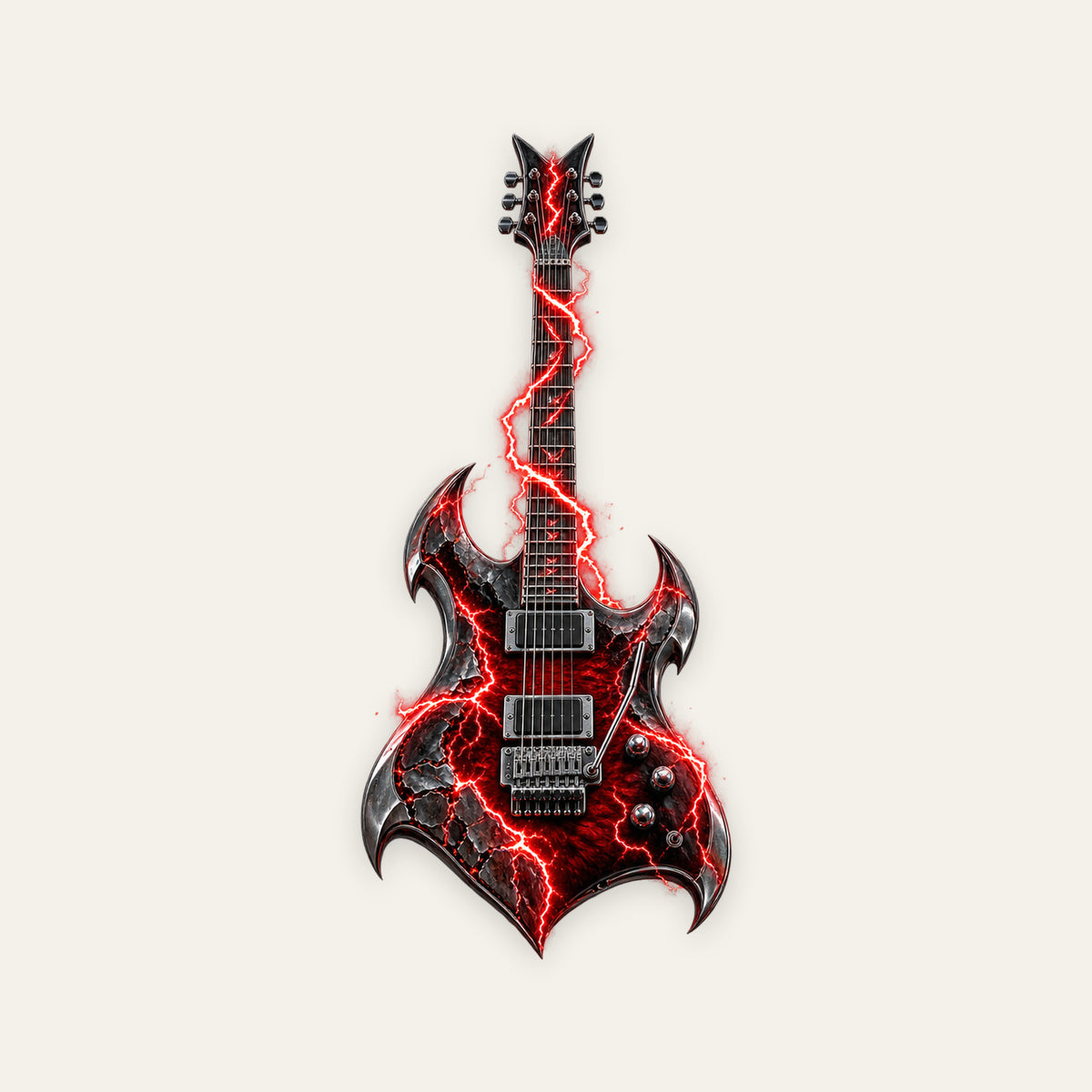
Lightning Bolt And Guitar — Rock & Heavy Music Print
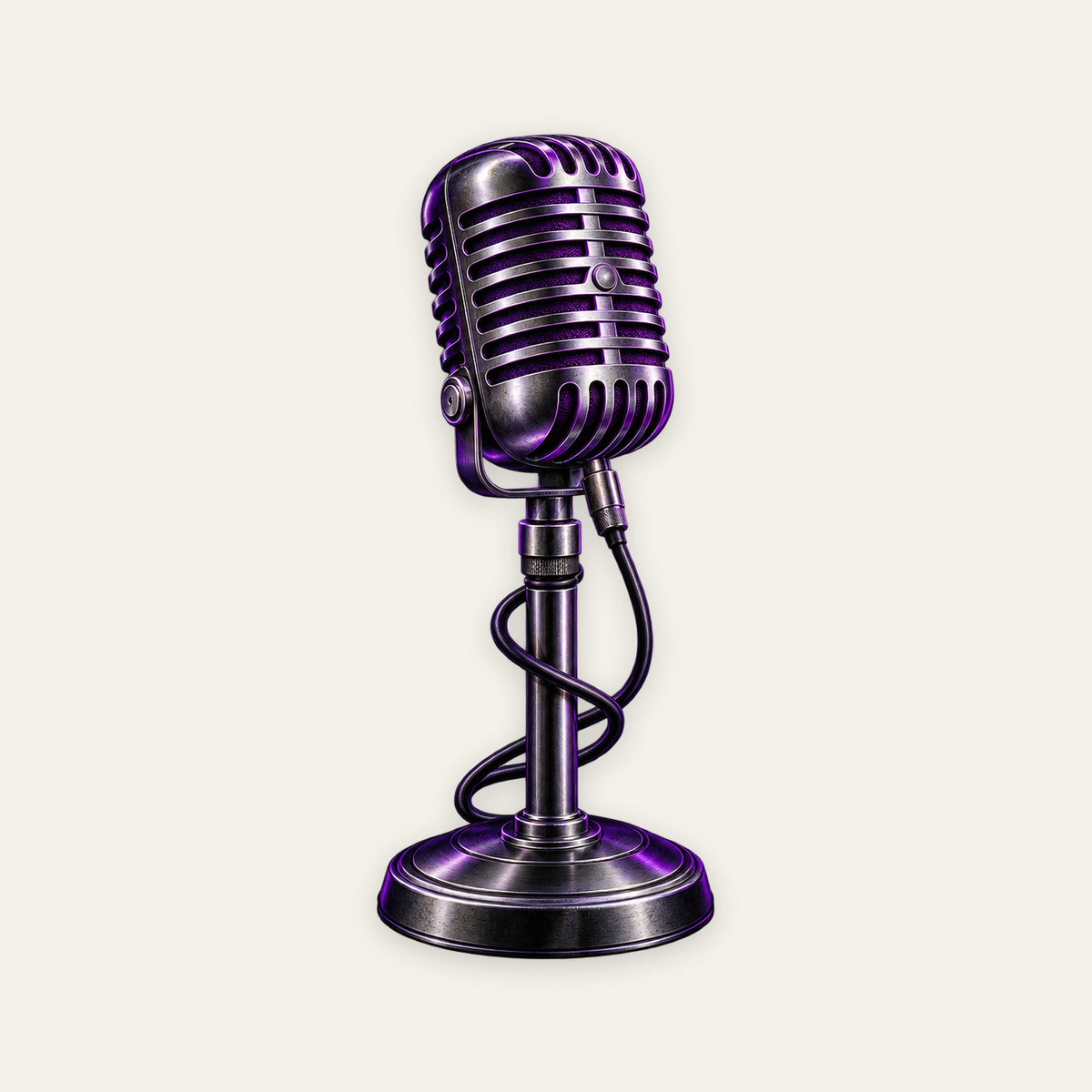
Ribbon Microphone Stand — Rock & Heavy Music Print
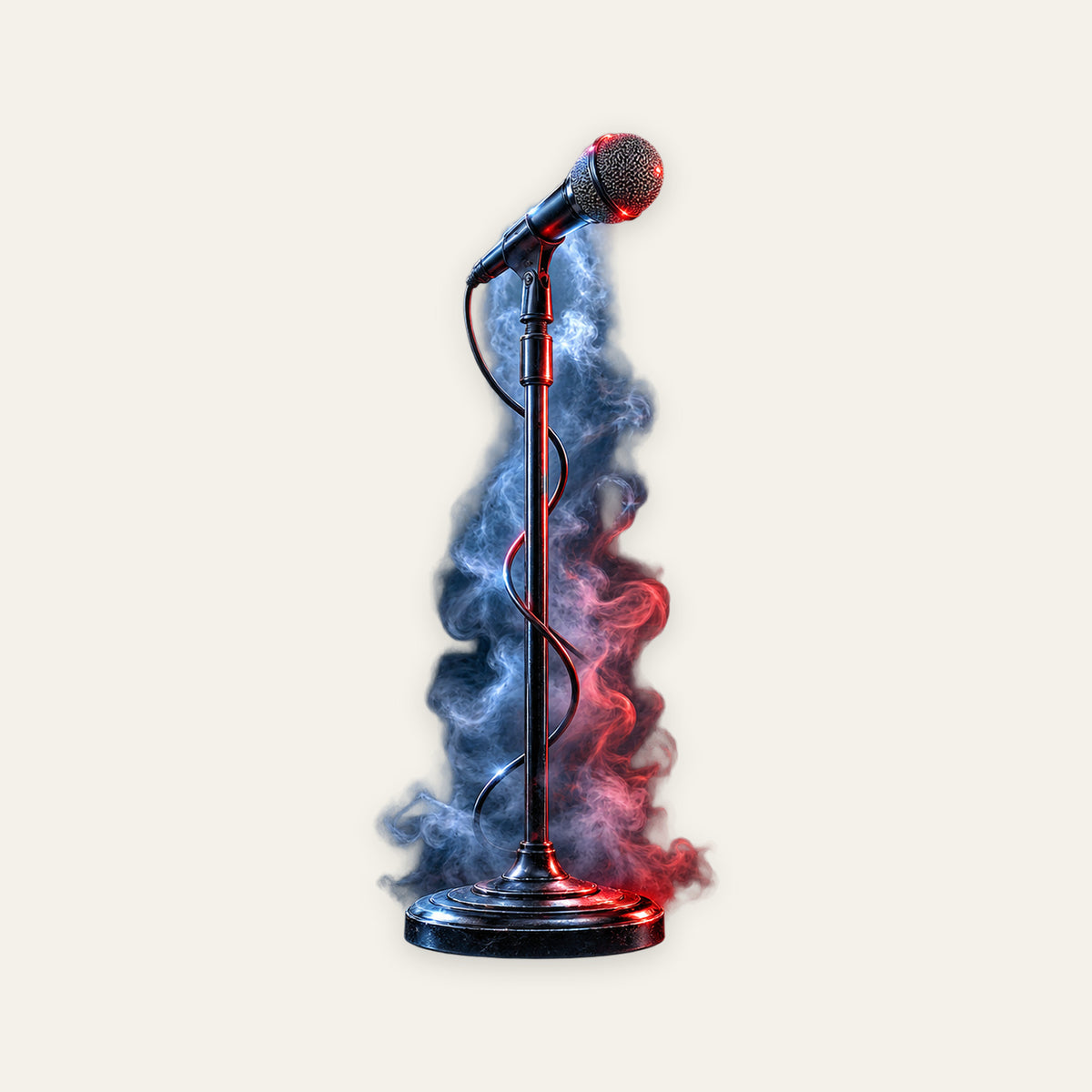
Stage Spotlight Beam — Rock & Heavy Music Print
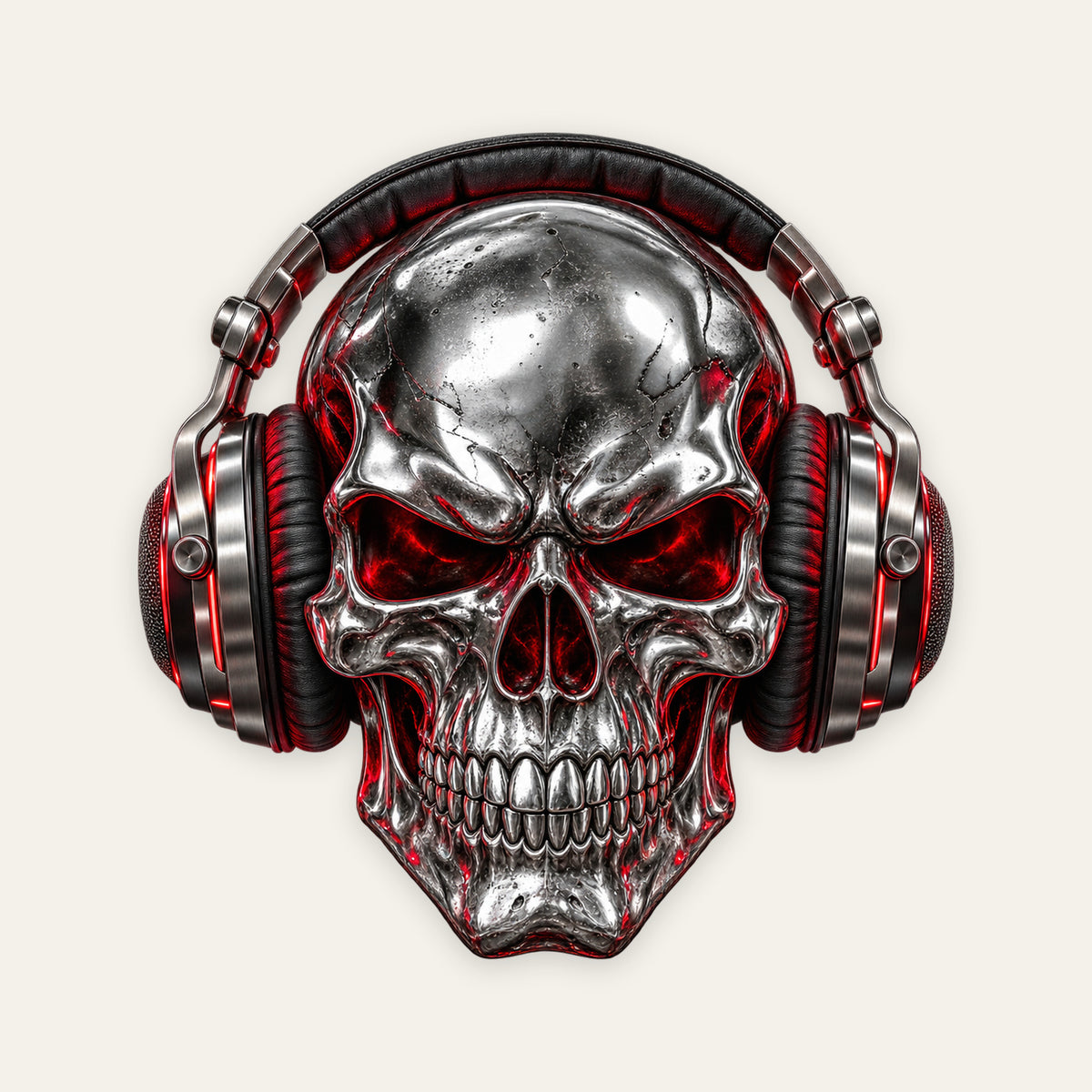
Chrome Skull Headphones — Rock & Heavy Music Print
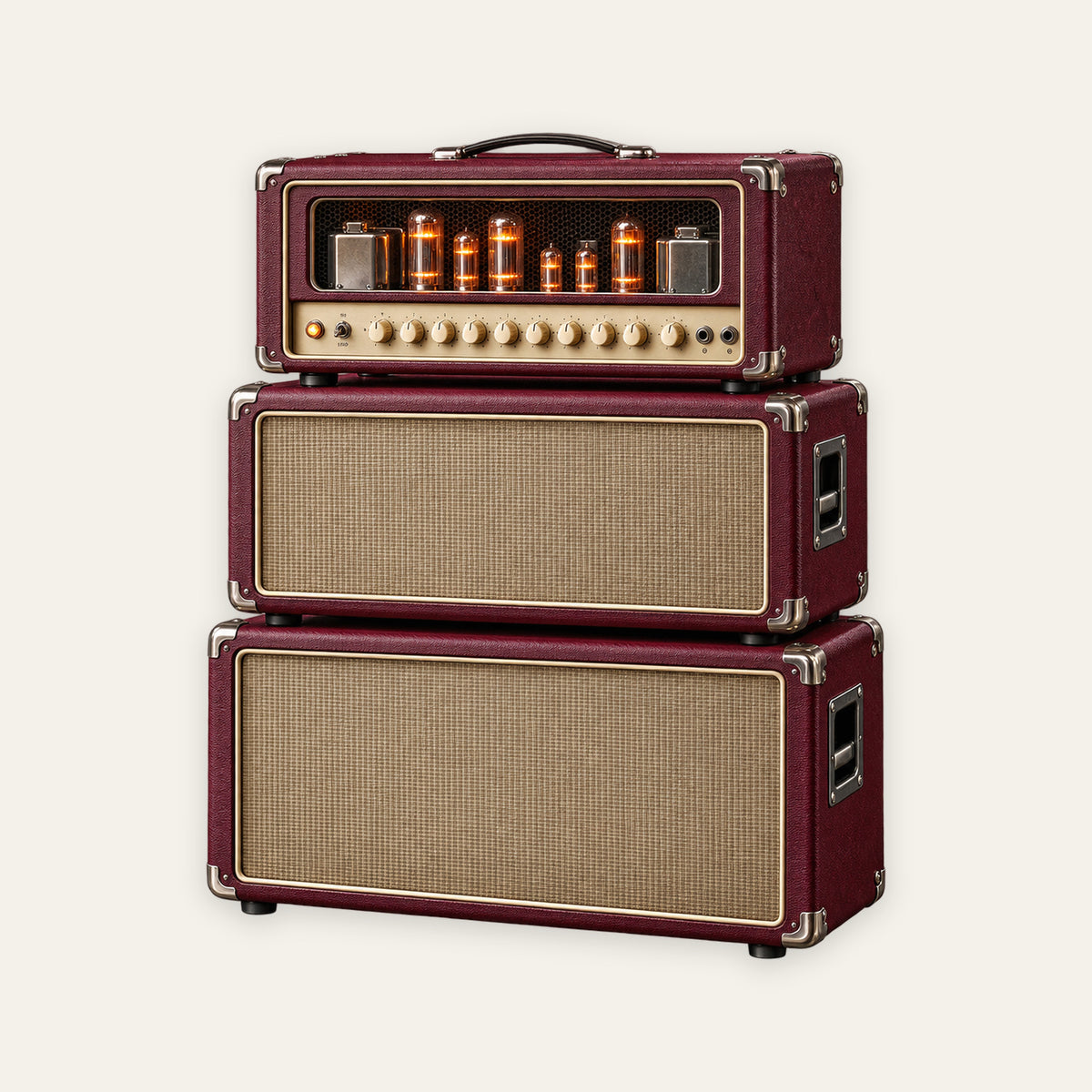
Stacked Tube Amp Cabs — Rock & Heavy Music Print
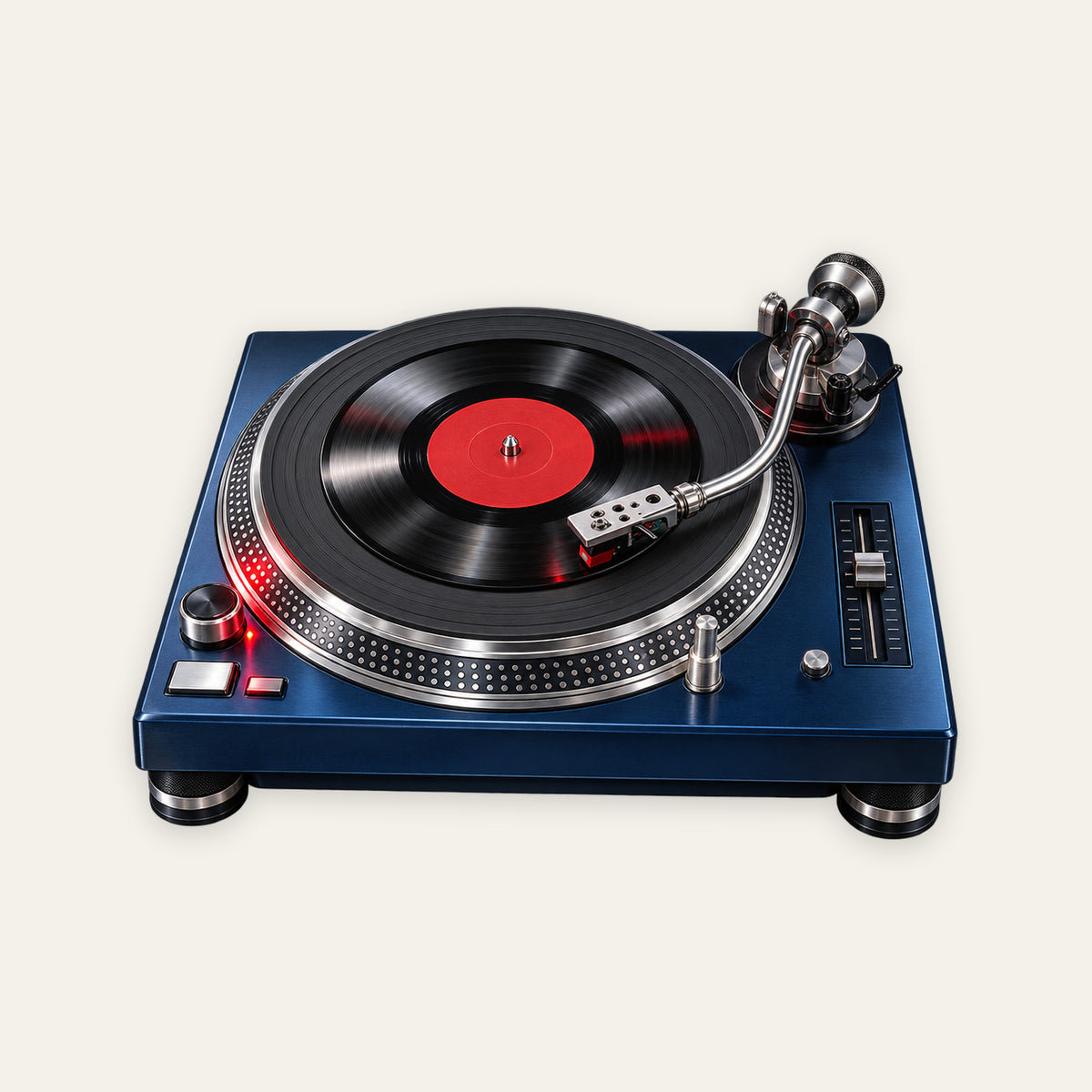
Spinning Forty Five — Rock & Heavy Music Print
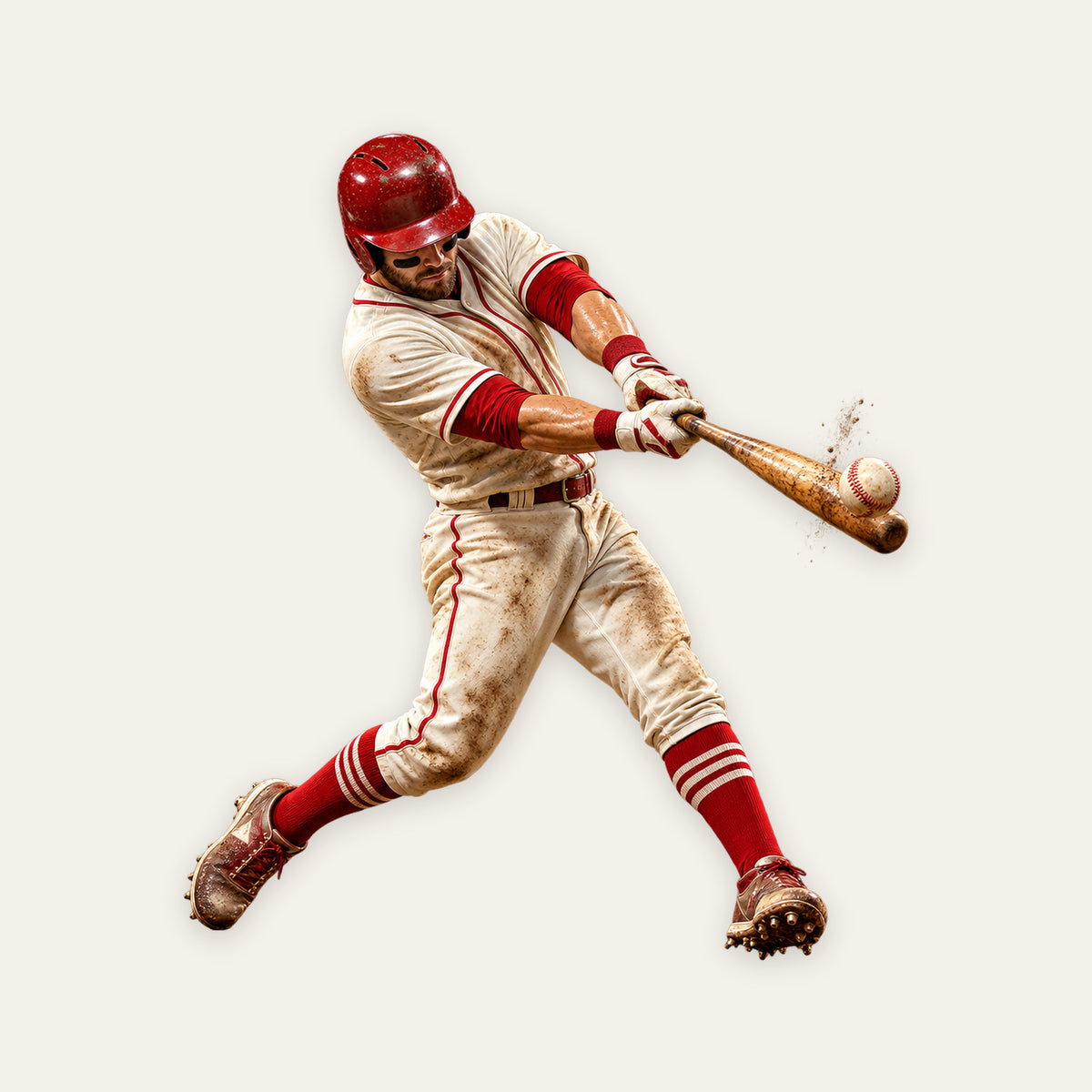
Wooden Bleacher Crowd — Baseball & Diamond Print
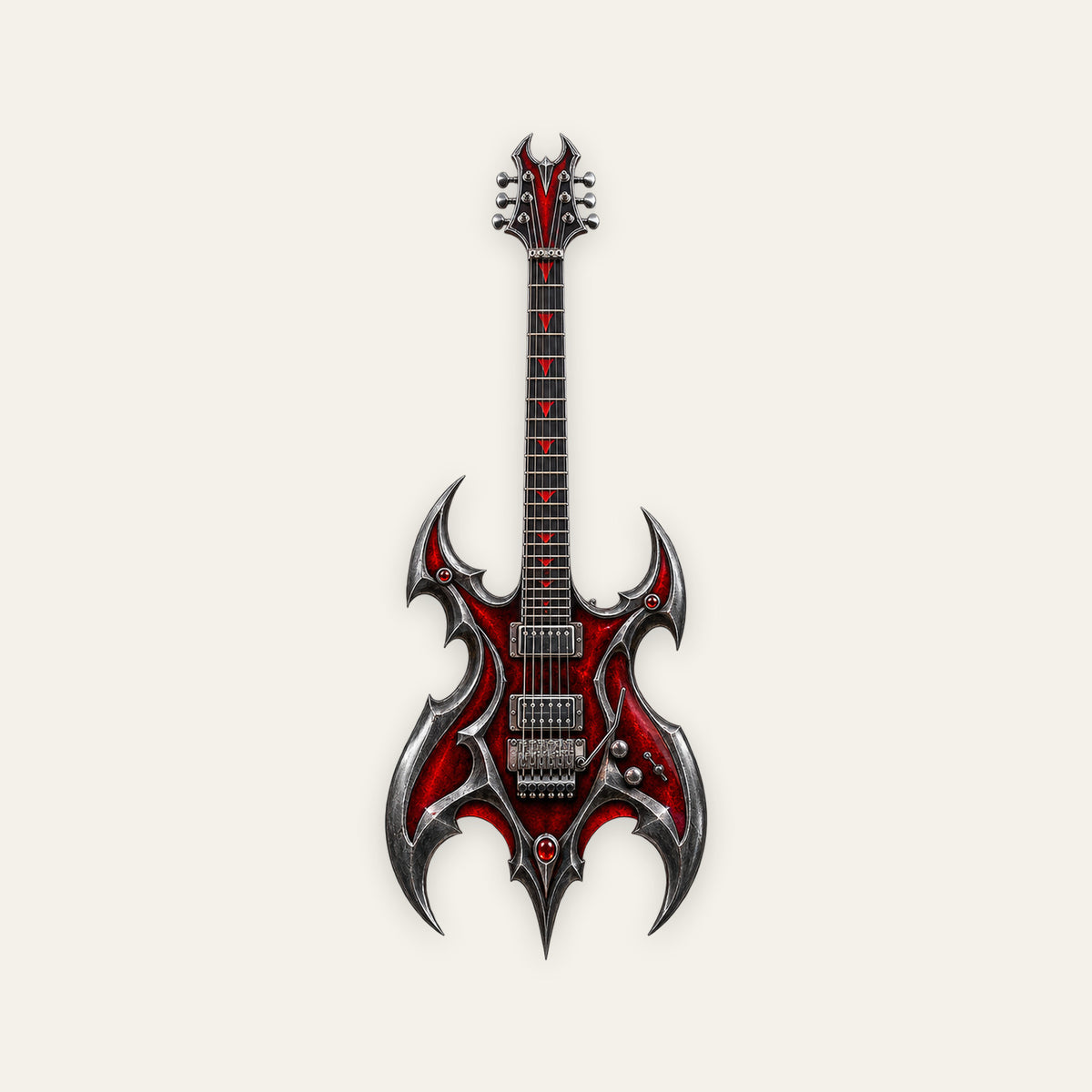
Custom Electric Guitar — Rock & Heavy Music Print
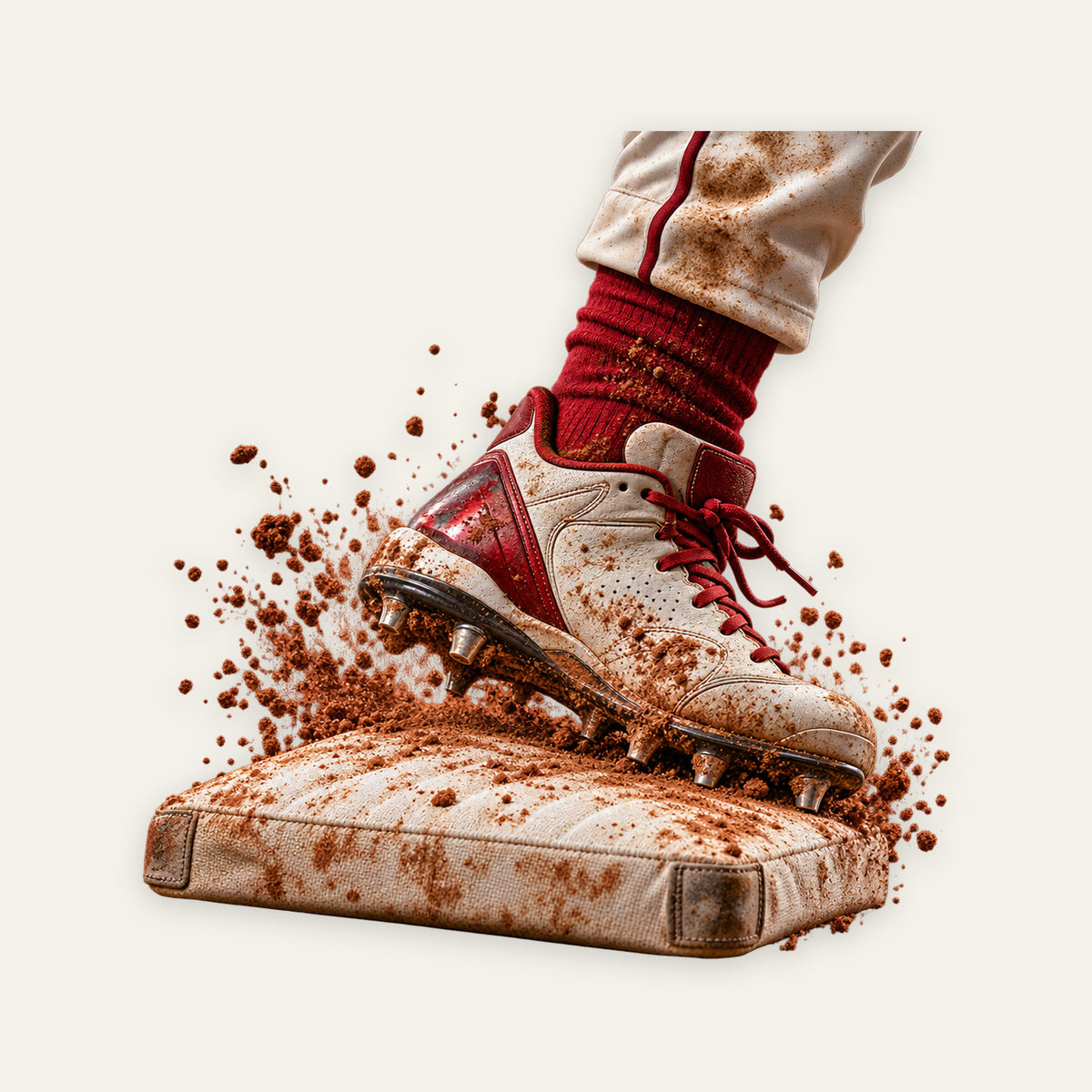
Cleat On The Bag — Baseball & Diamond Print
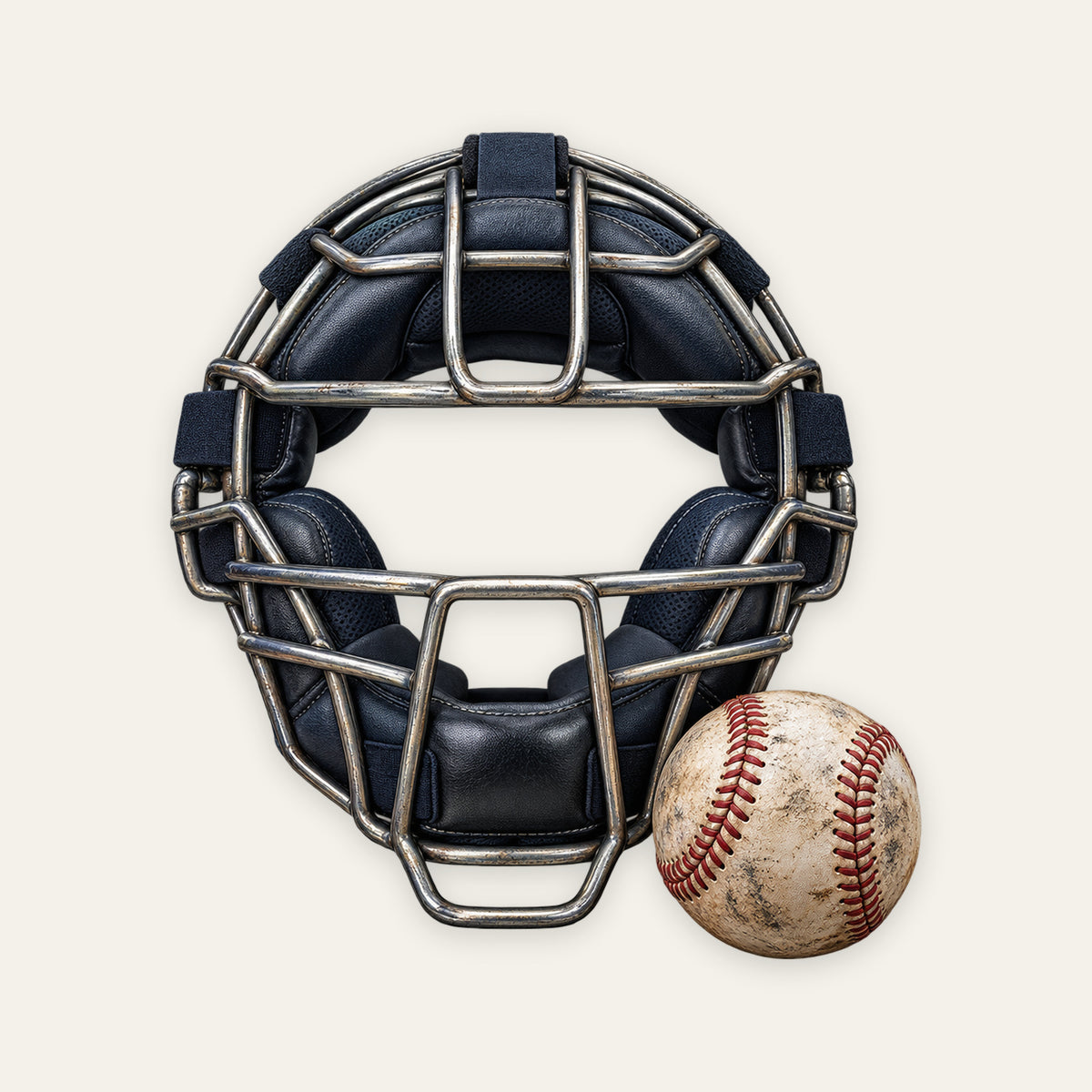
Umpire Mask And Ball — Baseball & Diamond Print
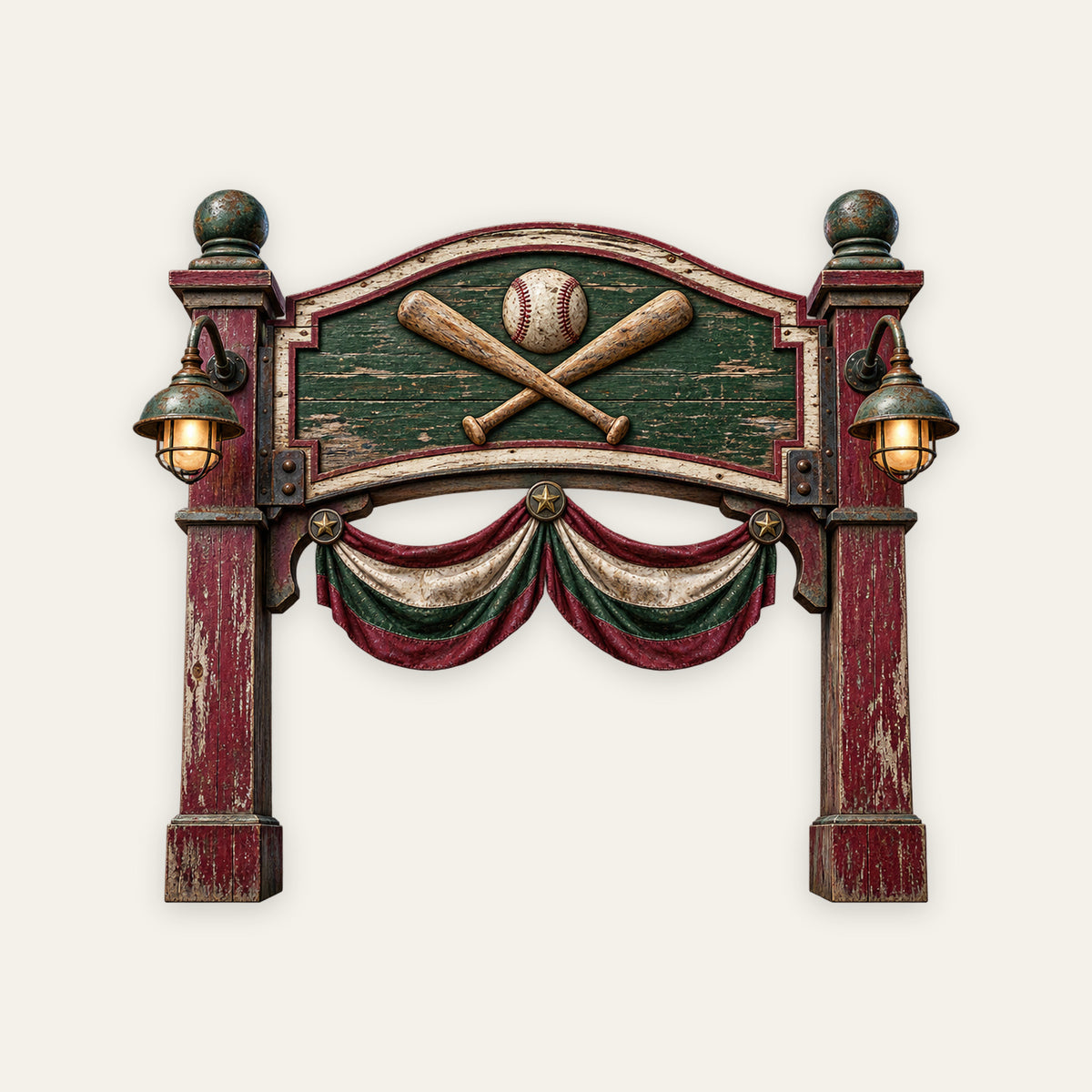
Rustic Ballpark Sign — Baseball & Diamond Print
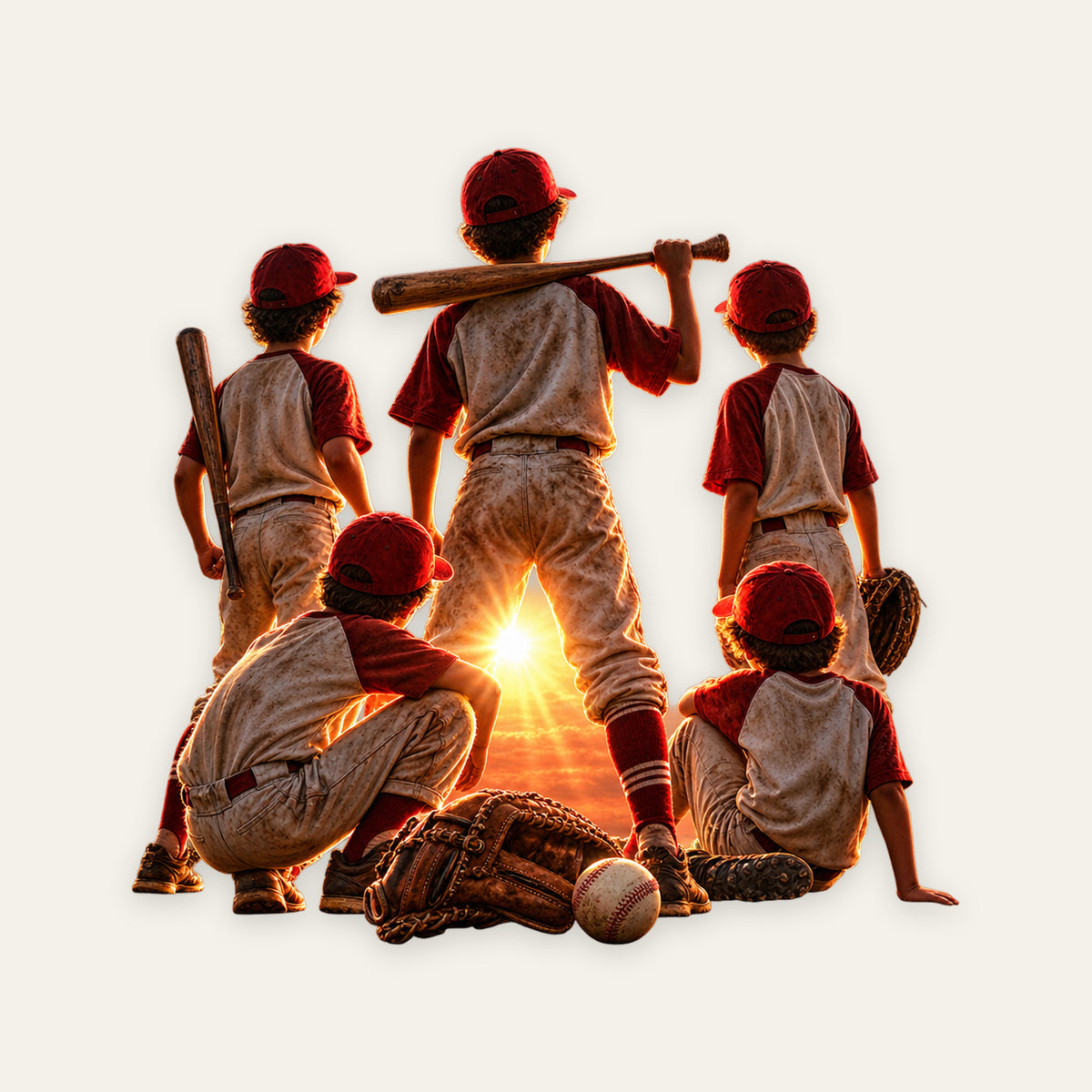
Sunset Sandlot Silhouette — Baseball & Diamond Print
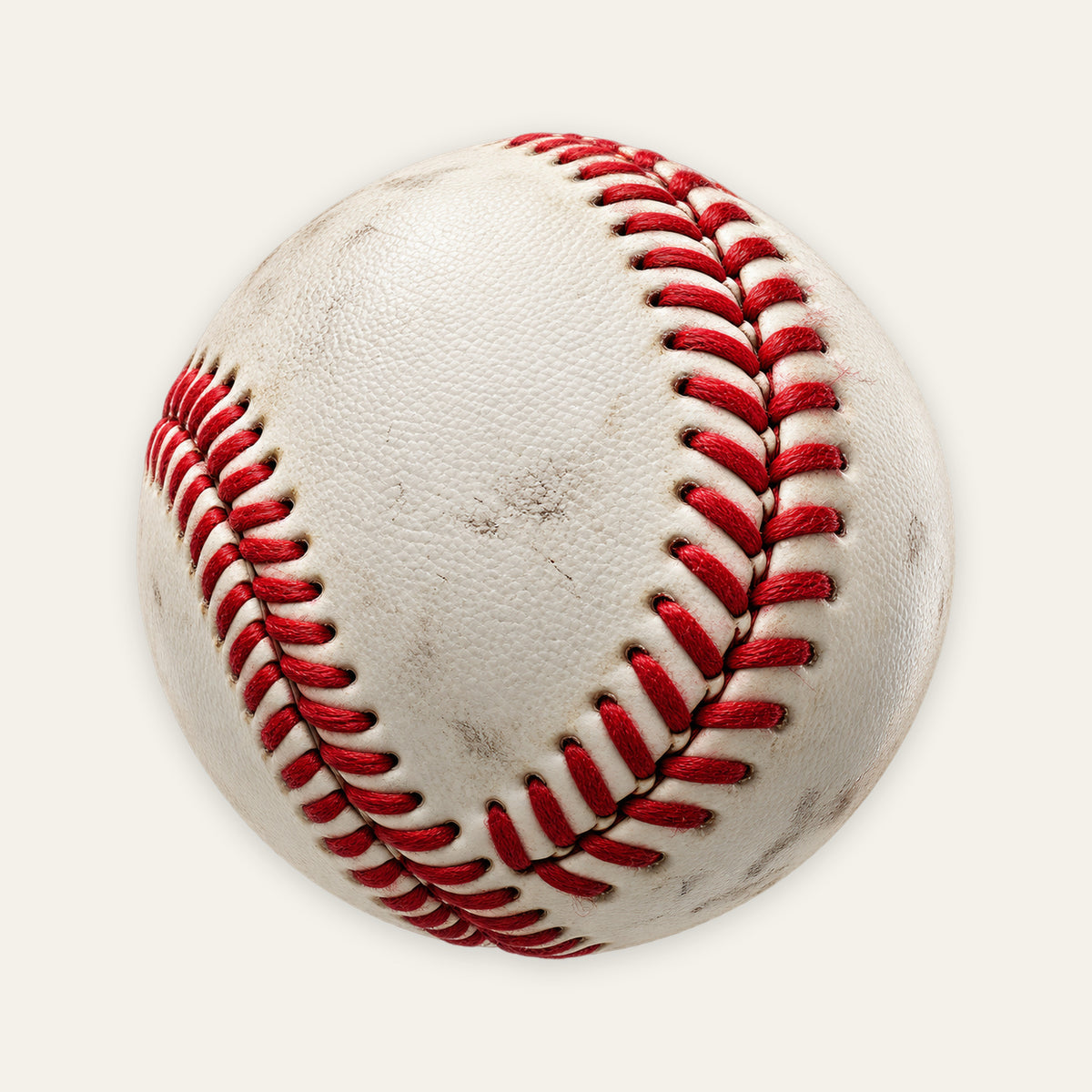
Baseball Seam Macro — Baseball & Diamond Print
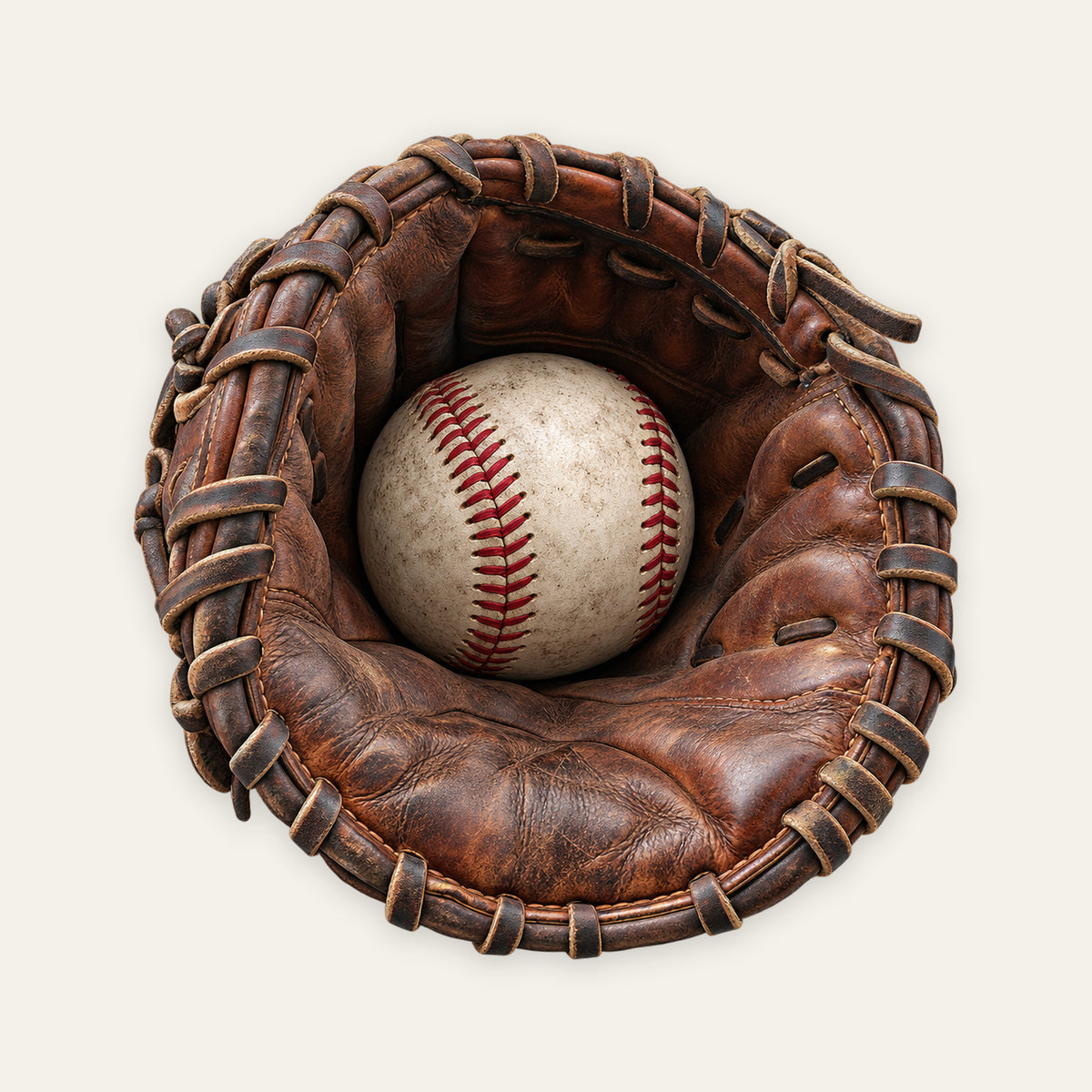
Catcher Mitt Pocket — Baseball & Diamond Print
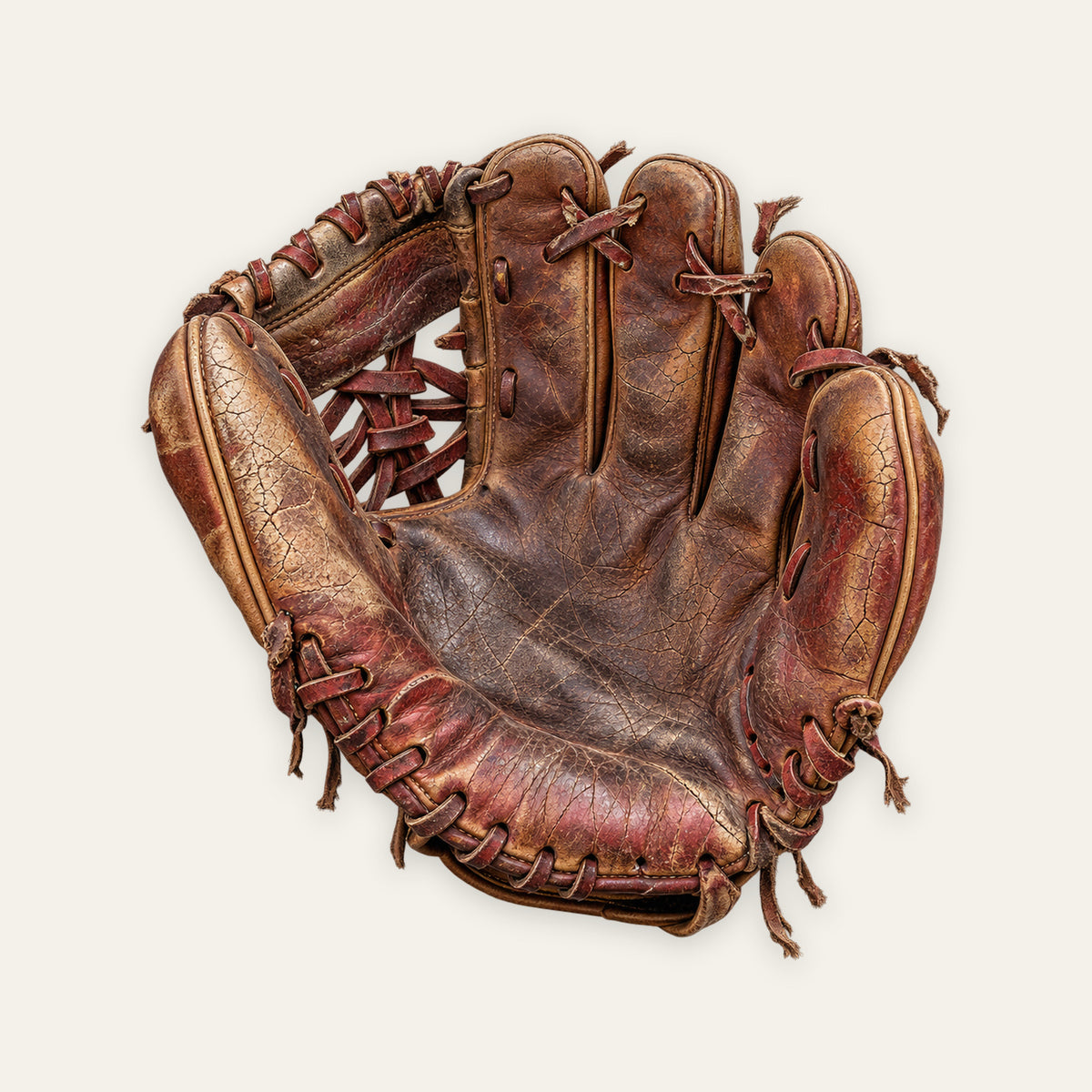
Cracked Leather Mitt — Baseball & Diamond Print
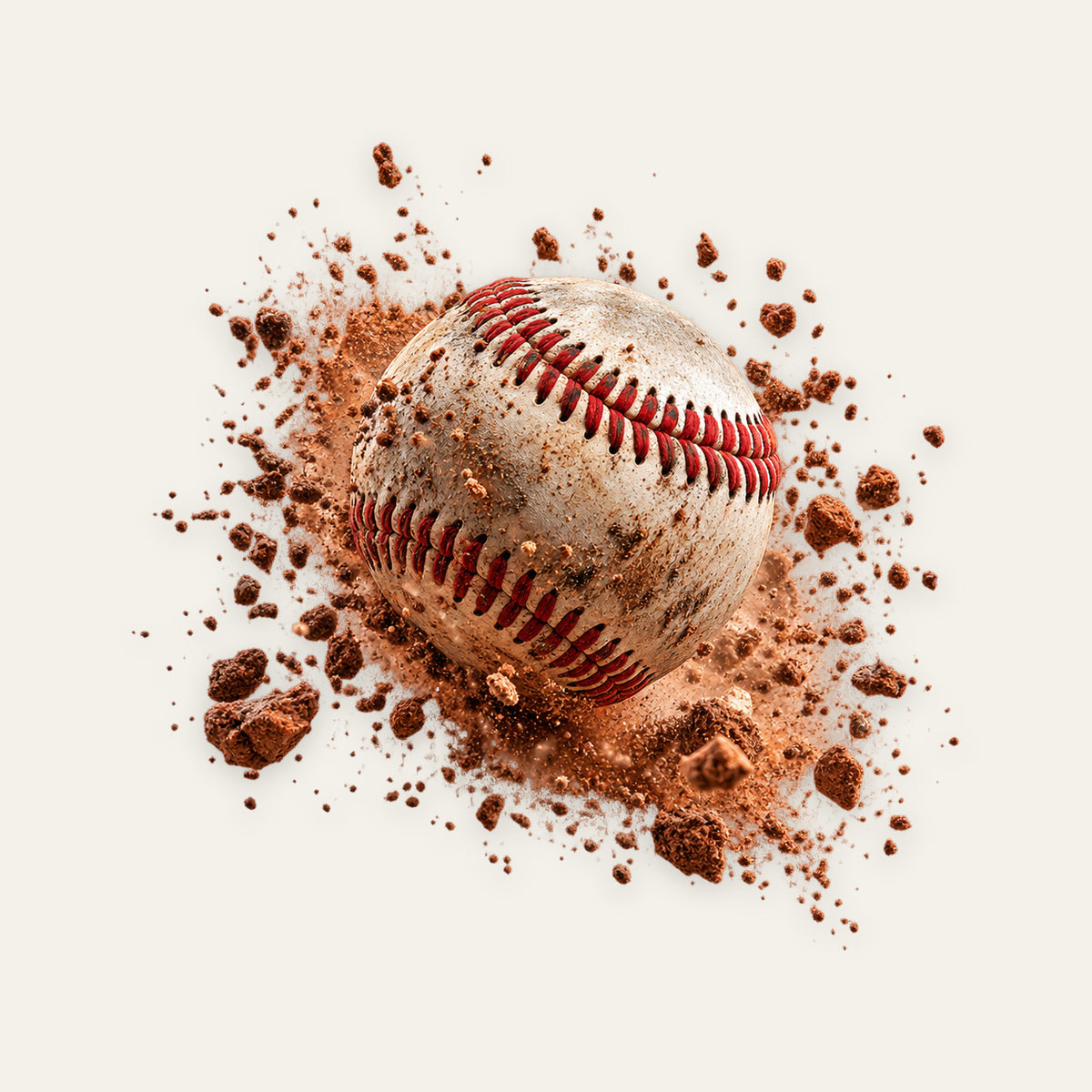
Diamond Dirt Cloud — Baseball & Diamond Print
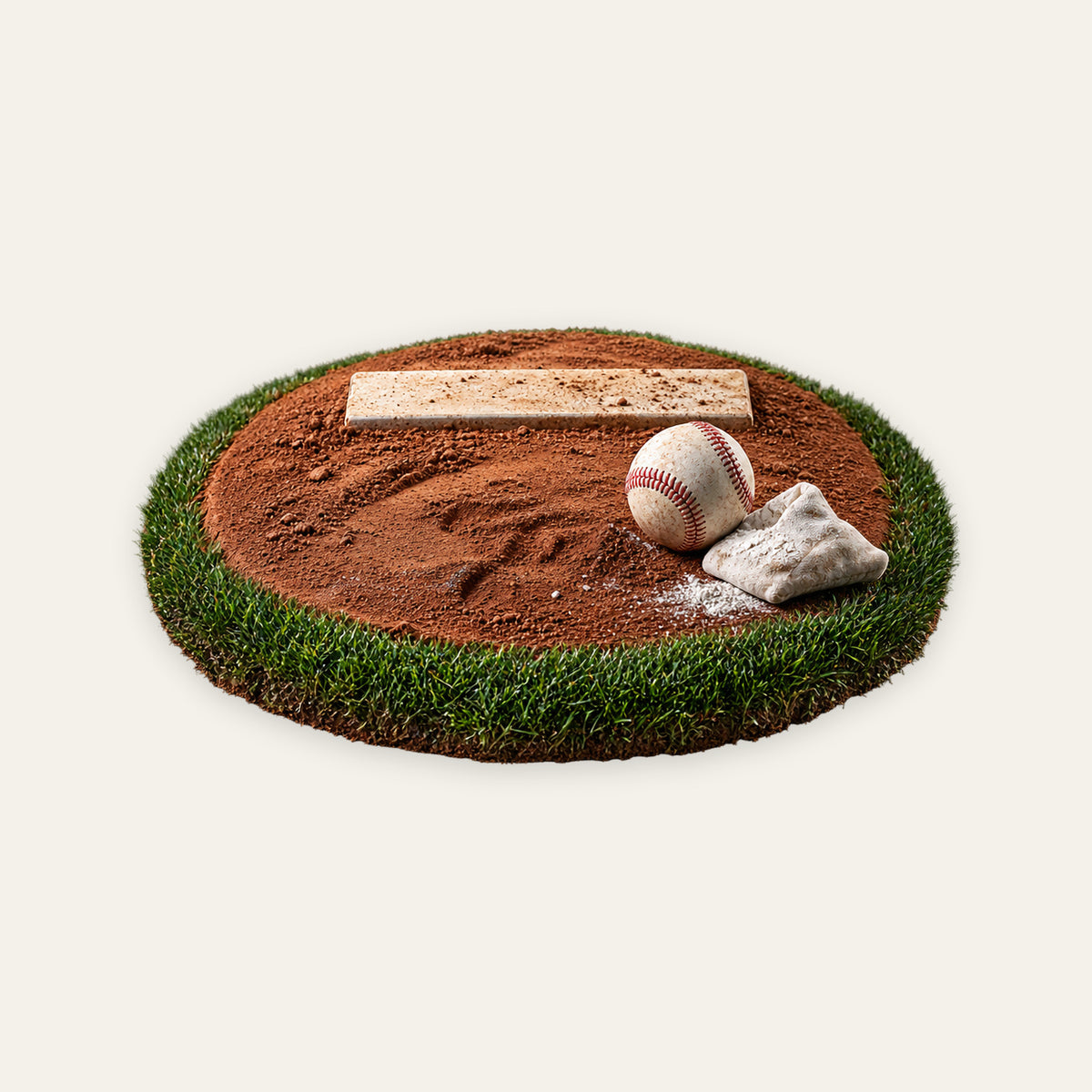
Bullpen Mound — Baseball & Diamond Print
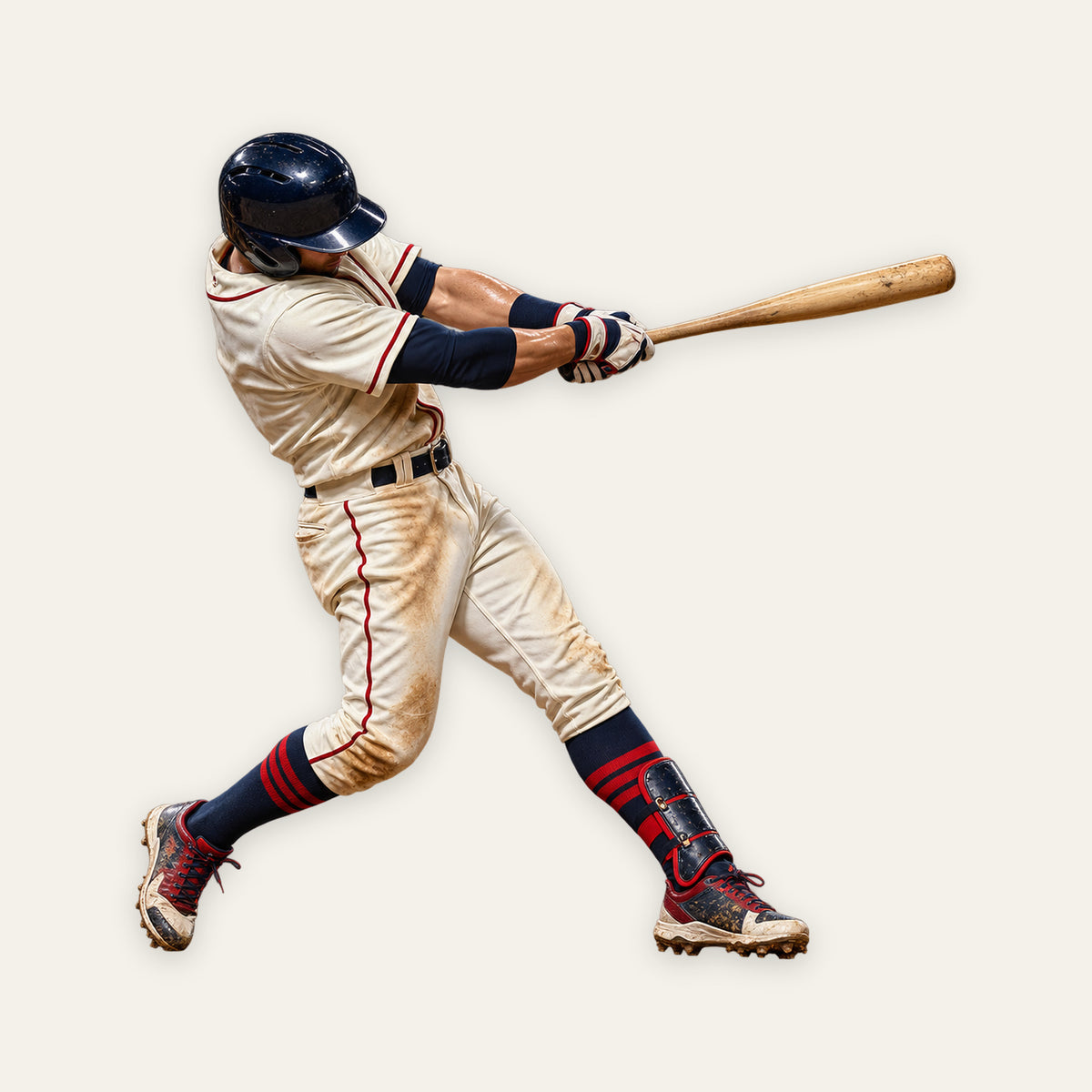
Grand Slam Swing — Baseball & Diamond Print
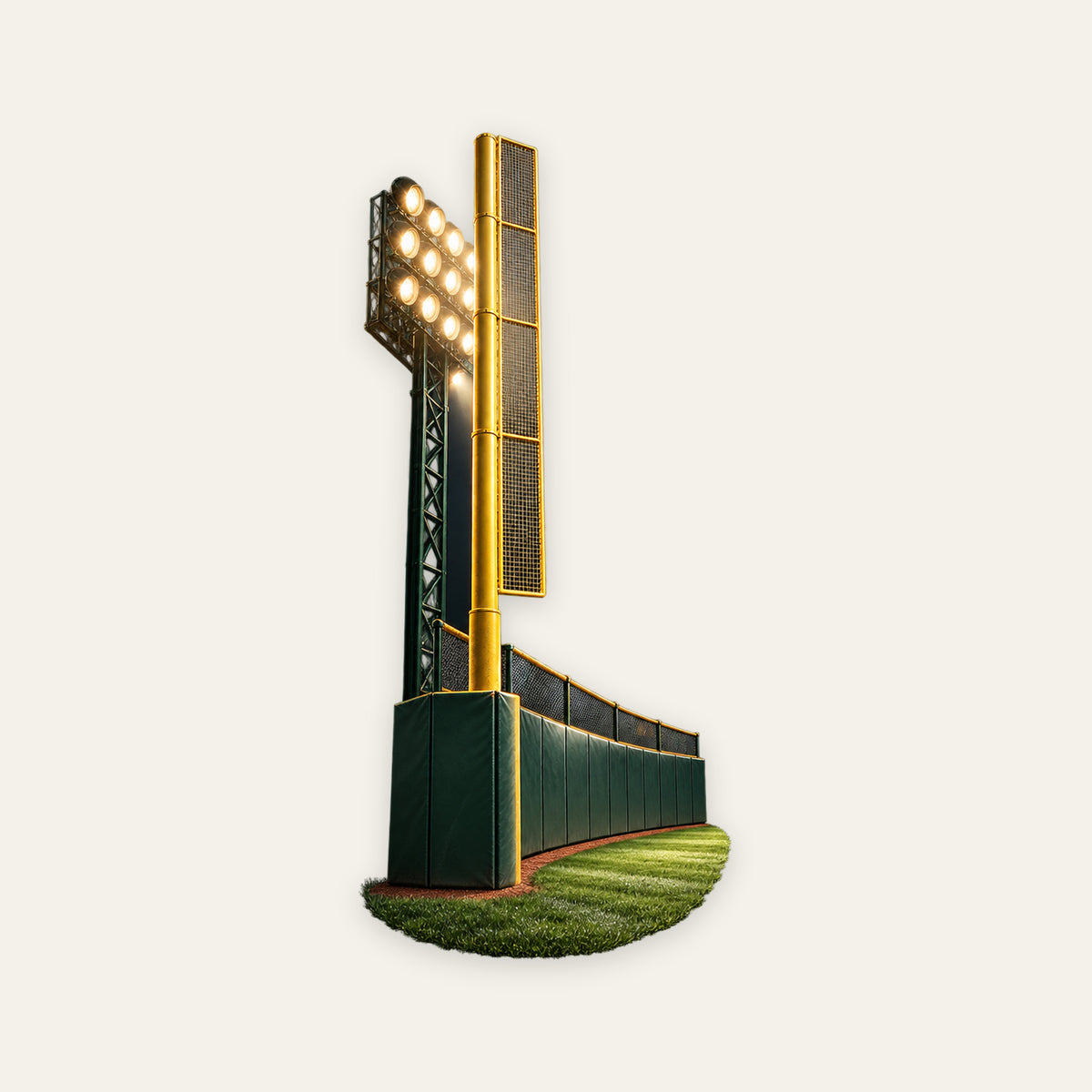
Foul Pole Night — Baseball & Diamond Print
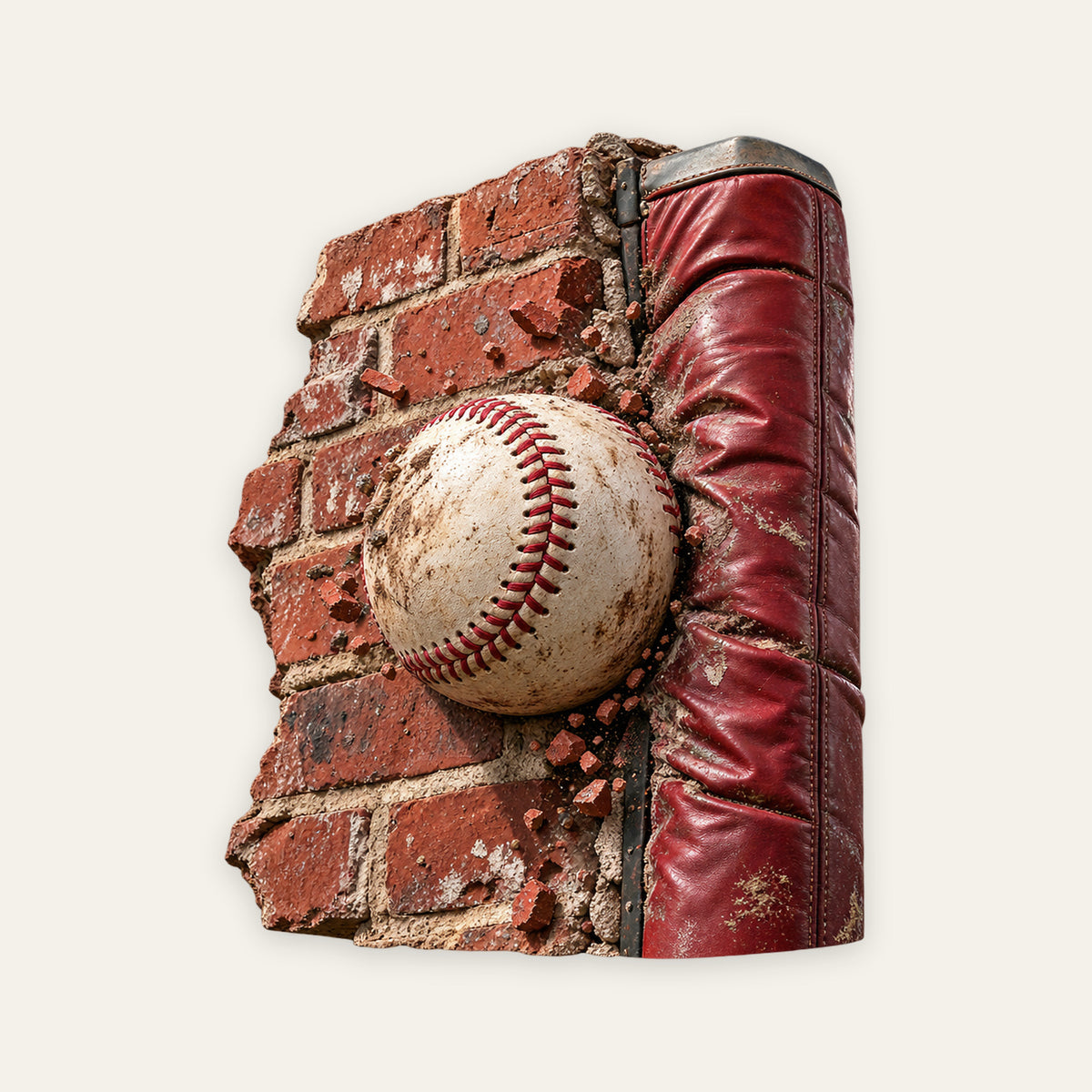
Brick Outfield Wall — Baseball & Diamond Print
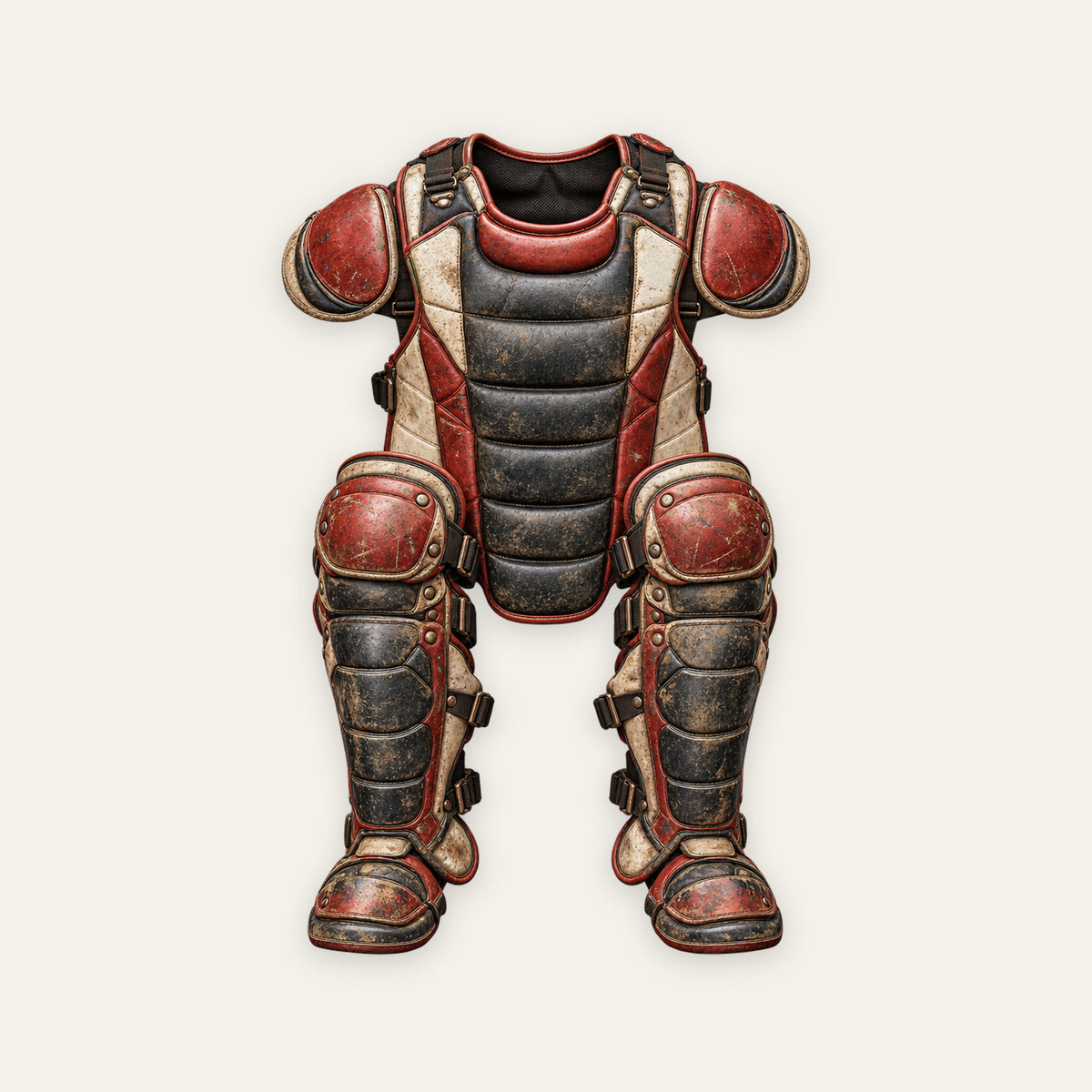
Chest Protector Gear — Baseball & Diamond Print
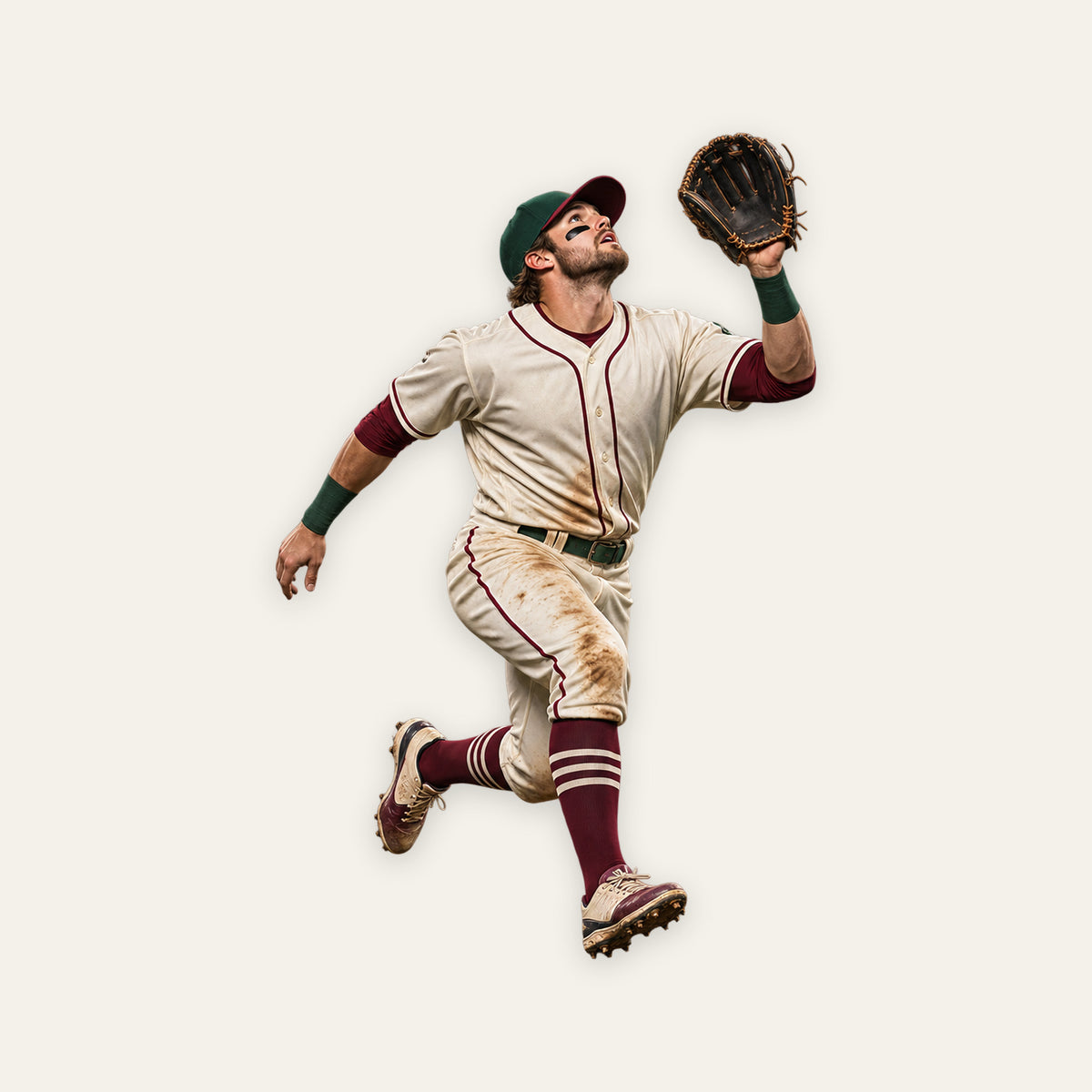
Pop Fly Silhouette — Baseball & Diamond Print
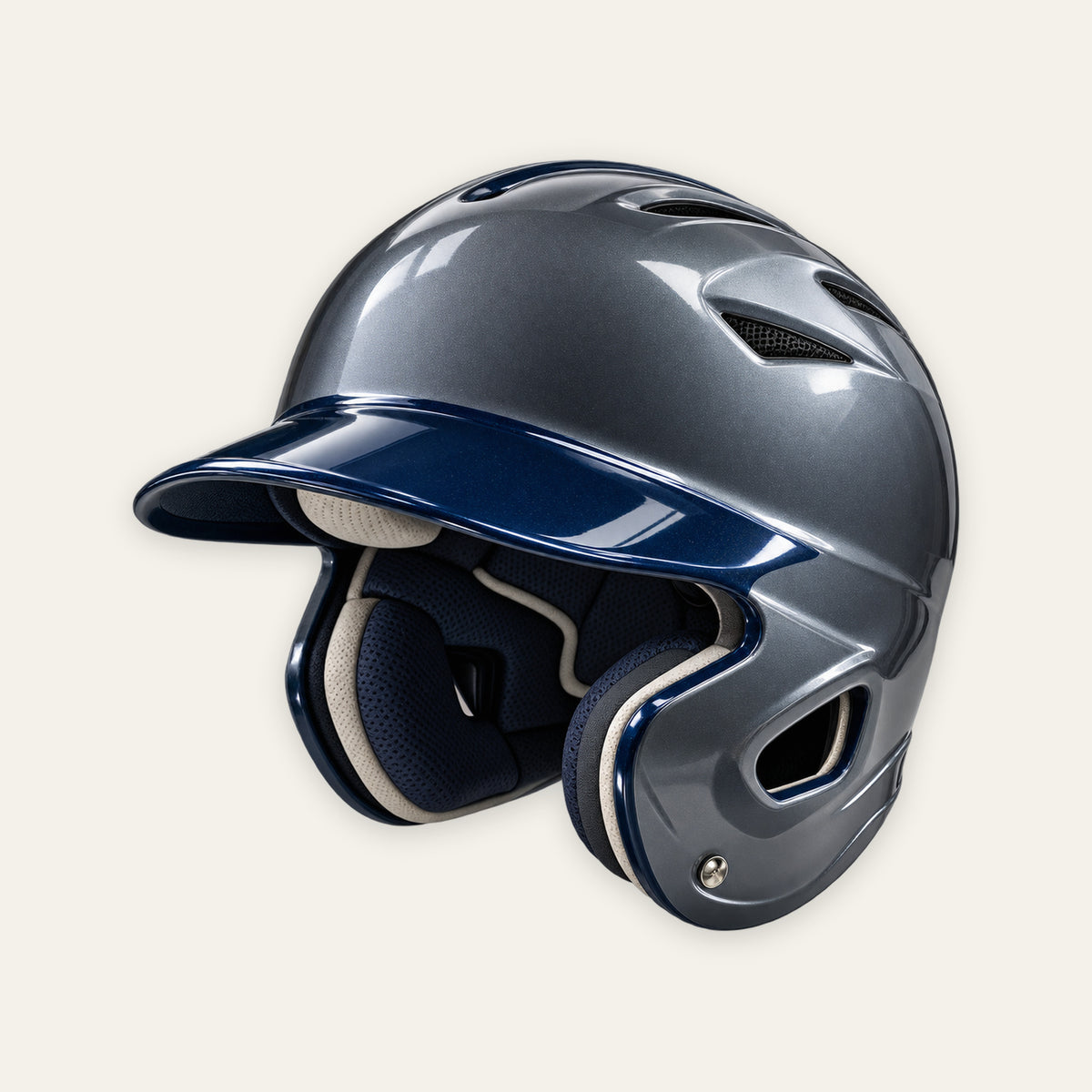
Plain Batting Helmet — Baseball & Diamond Print
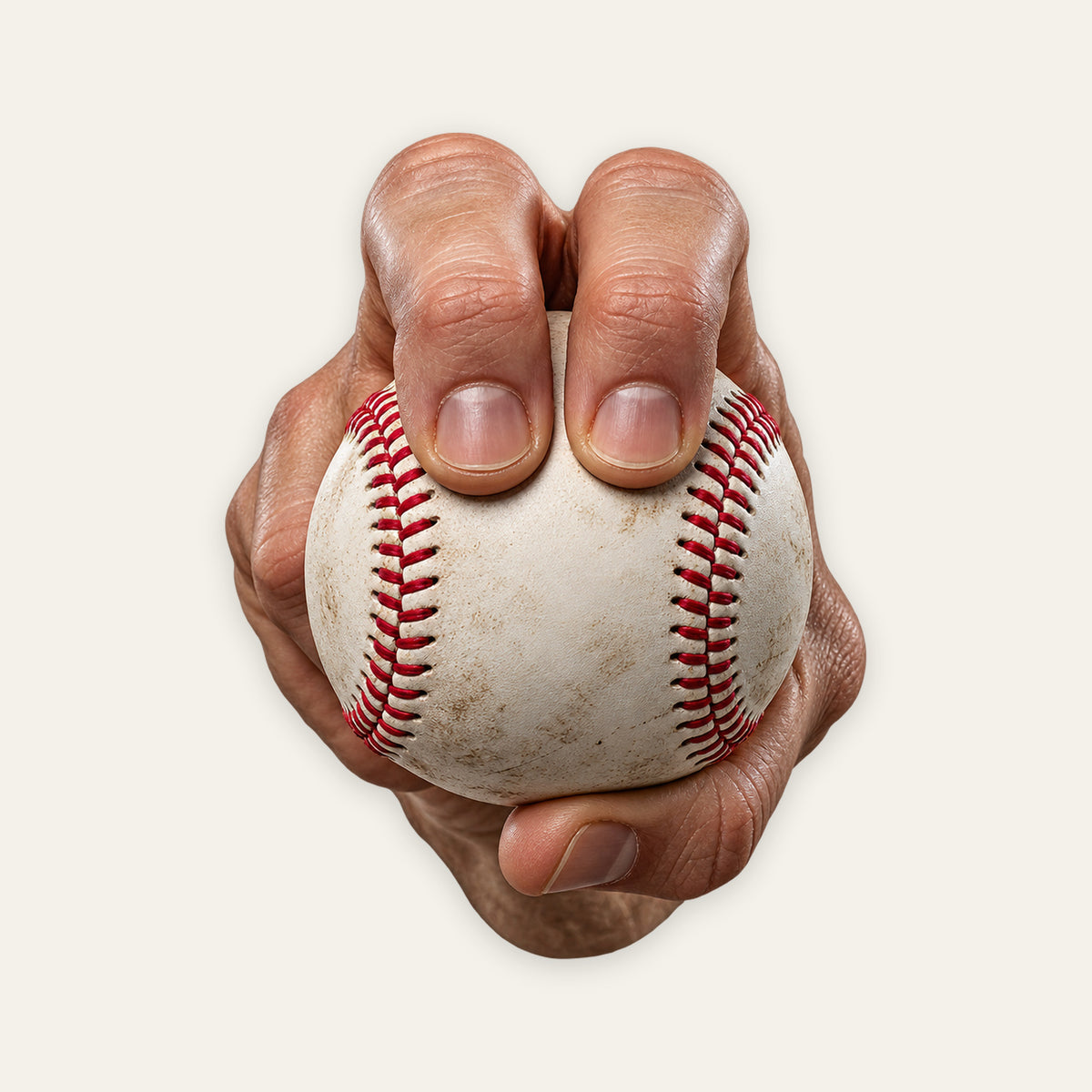
Knuckleball Grip — Baseball & Diamond Print
Everything you can do in LabStudio
See all tools: Design
- Upload – add your own logo, photo or artwork.
- Designs – pick from our ready-made artwork library.
- Text – add names, slogans or any wording.
- Add – place more text or artwork on the garment.
- Layers – select and reorder every part of your design.
- Properties – fine-tune the item you have selected.
- Undo, Redo and History – step back or forward through your changes.
- Save – keep your design to come back to it.
See all tools: Canvas and preview
- Move, Resize and Zoom – position your design exactly where you want it.
- Grid, Rulers and Snap guides – line everything up neatly.
- Safe print area – shows the area that will be printed.
- Dark studio mode – an easier view on dark garments.
- Realistic fabric view – see your design on real fabric texture.
- Front / back compare – check both sides together.
- Download mockup JPG – save a picture of your design to share.
See all tools: Product and print
- Print areas – Front, Back, Left sleeve, Right sleeve and Neck label.
- Colours – switch the garment colour and see your design on it.
- DTF print or Embroidery – choose how your design is made.
- Change product – choose Collection, then Brand, Product and Colour, and keep your design.
- Price breakdown – see what your design costs before you order.
See all tools: LabStudio AI
- AI artwork – create artwork from a short description.
- AI text designs – turn your words into styled text designs.
- AI photo tools – work on your photos in seconds.
- Clothing previews – see your design on the garment before you buy.
- Plan – 600 AI images for £29 a month.
Design your own clothing in minutes. Upload your logo or pick from our artwork library, add text and layers, choose the product, colour and print area, then preview it before you order. Open each group below to see every tool.